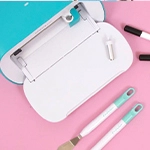
Cricut's new machines are one of those things that we didn't know we needed until we had them. The Maker and Explorer machines are now faster and better than ever. Designing has never been so easy!
Cricut recently arrived at Craftelier and the launch of a new generation of Cricut machines has us thrilled. The brand has worked on the Maker and Explore models to make them faster and with more features.
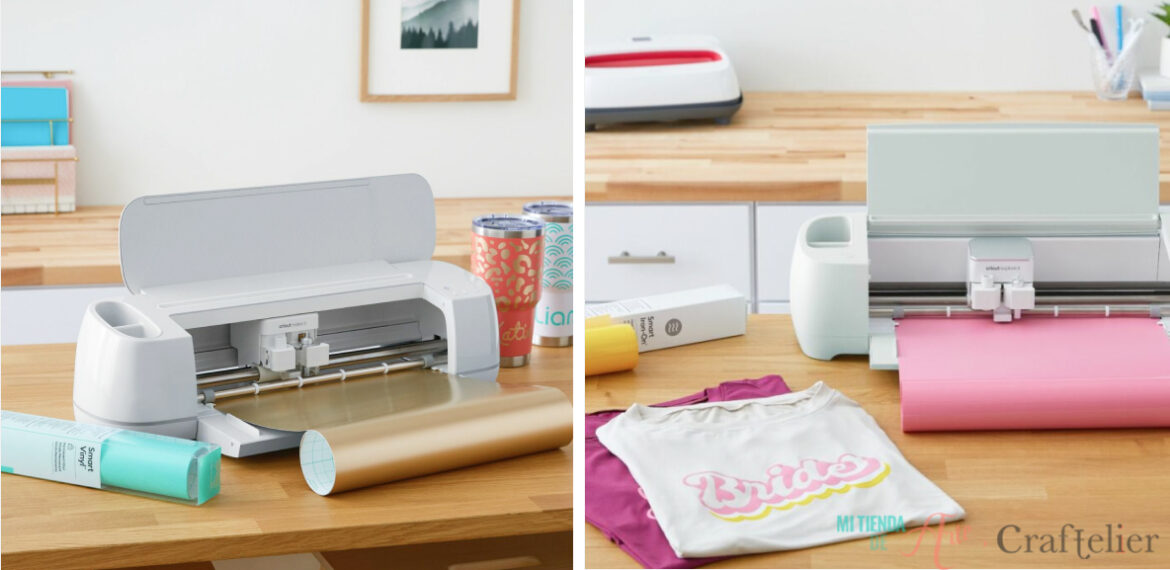
Let's take a closer look at the new features of the Maker 3 and Explore 3 models. Both models introduce an important change, their compatibility with all Smart Materials, exclusive to the Cricut Joy until now. The Smart Materials allow us to work without a mat (which saves us a lot of time) and allow the machine to work faster and make longer projects, up to 3.6 metres (the previous model). Furthermore, these machines include a sensor that will measure the size of the material to make sure that we have placed the required length for our projects. If more material is needed, our design program will send us a warning to load more.
For this reason, Cricut has launched a wide range of Smart Materials that include permanent, removable, matt, metallic, or cardboard, so we have a wide range of materials to start enjoying our machines and have a great variety of colours and patterns to find the perfect choice for the project we have in mind. Therefore, Cricut Maker 3 and Cricut Explore 3 are compatible with the following lines:
- Smart Vinyl: includes permanent and removable vinyl in a wide variety of colours and effects.
- Smart Iron-On
- Smart Paper Sticker Cardboard: in this case, it is not vinyl but paper cardboard that we can load into our machine without the need to work with a mat.
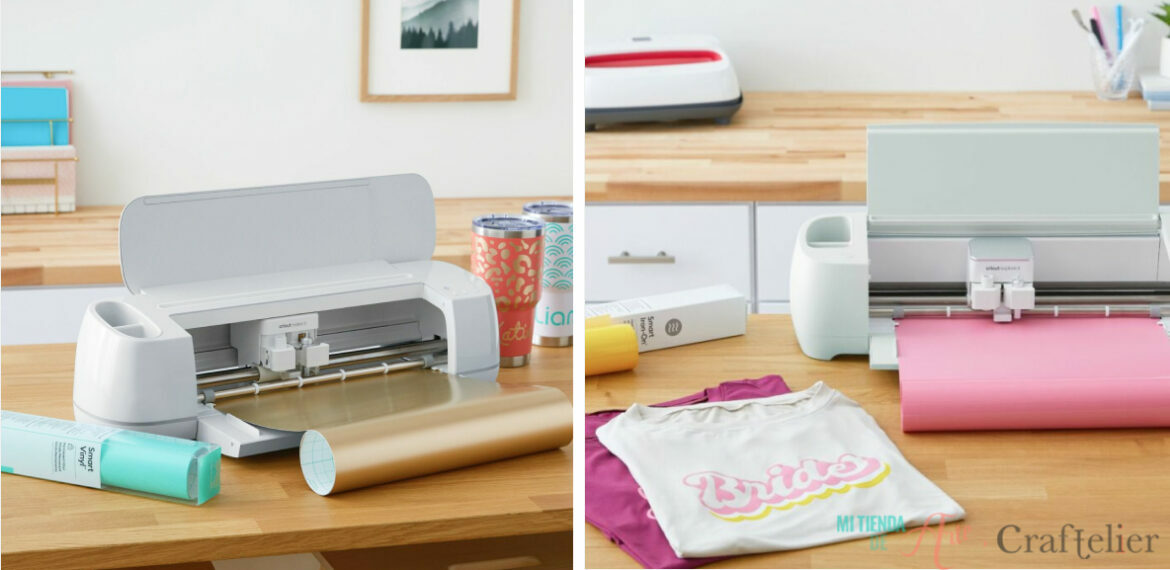
Thanks to a system included in both machines, the Smart Materials will remain perfectly aligned throughout the entire process.
If we want to use a more special type of material that is not included in the Smart Material line, that's no problem, as both machines, the Cricut Maker 3 and the Cricut Explore 3, are compatible with up to 300 different materials. The only thing we have to take into account is that these other types of materials, require a mat to be able to work with them.
As usual, and this is something that remains unchanged from previous models, both models have Bluetooth® connectivity and to make our designs, we can use their free design program, available for iOS, Android™ Windows®, and Mac.
Cricut Maker 3
The Maker machine is the most complete of the Cricut cutting plotters, so it is not surprising that the new launch of this machine has kept us expectant until we have finally discovered its features. The first difference is that it is twice as fast as the previous model, thanks to the new engines included in this machine.
The Maker 3 includes some guides to place the Smart Materials and to place the roll holder, very useful to place the Smart Material rolls.
As with its previous model, this cutting plotter has a cutting force of 4 kg and reaches a maximum cutting thickness of up to 2.4 mm.
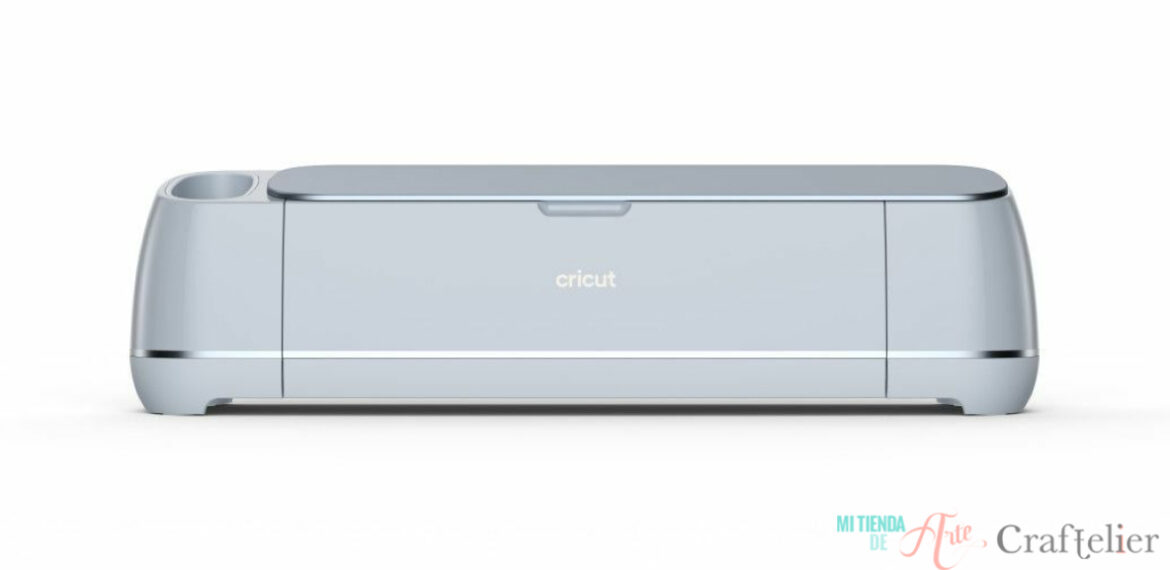
Cricut Explore 3
The Explore model goes between the Maker and the Cricut Joy, this means that it offers many more features than the Cricut Joy, which is more focused on speed; but for a more competitive price than the Maker model. The Cricut Explore 3 machine surprises us again, twice as fast as the Explore 2 and allows us to cut, draw or mark at high speed, we can use up to 6 different tools and cut more than 100 different materials such as cardstock, vinyl, glitter paper, cork, and some adhesive fabrics.
In addition, it is much more intuitive to work with thanks to the incorporation of buttons on the control panel.
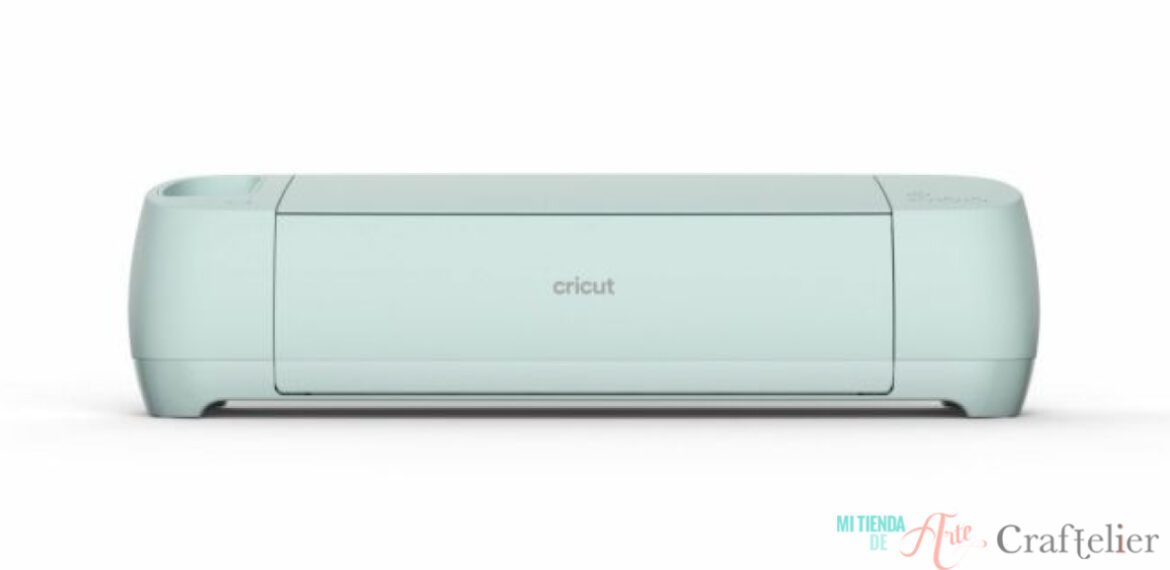
If you are thinking of buying a cutting plotter, but you are still not sure whether to choose the Maker or the Explore model or if you are hesitating whether to go for the new models or those that have been with us for a few years, below you can find a table with their main features so that you can compare them more easily:
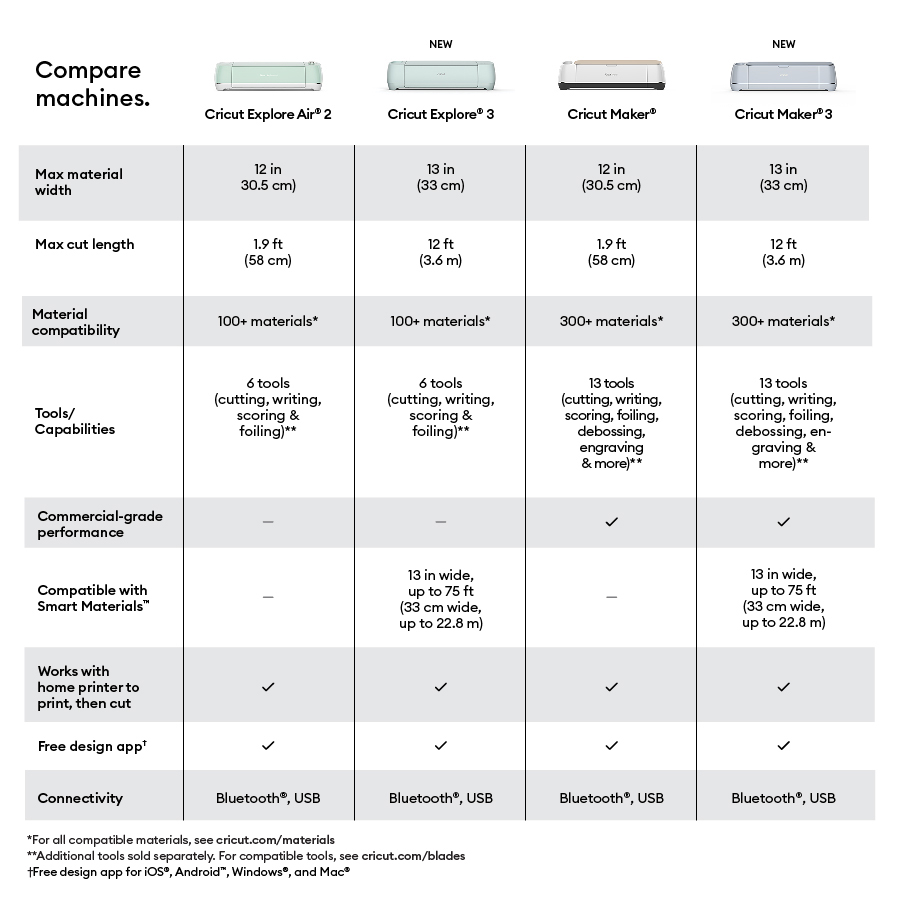
As you can see, new and improved features have been added to make designing even more fun. Let us know in the comments what you think of these new improvements ?