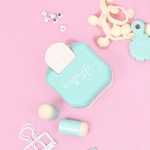
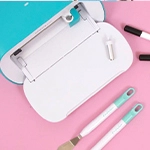
The Thermal Cinch is We R Makers' new tool, with which we can make thermal bindings and create all kinds of notebooks and albums.
In thermal binding, the sheets are glued to the inside of a spine using a strip of glue that melts with heat. You get a very professional binding in a quick and easy way.
If we do not want to use rings or create complicated structures, thermo-sealing is a very practical option to make our bindings. With the Thermal Cinch we can bind books and notebooks up to 12 inches (30.5 cm) long and up to 3.5 cm wide. Taking into account this thickness, we will be able to take advantage and place several books inside the machine at the same time, making our work much more efficient.

Thermal Cinch content
Inside the box, in addition to the binding machine, we find: 3 ready-to-use 12 inch long spines in 3 different colours: pink, blue and kraft, a golden clip to hold the papers and the instructions. The spines can be cut to fit the length of your project.
Step by step
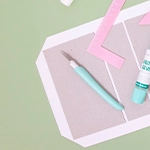
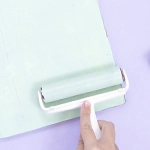
The process to create a notebook or album is very simple. First of all, we turn on the machine with the switch on the side so that it heats up. In the meantime, we cut the papers to the desired size, making sure that they are well aligned on the spine. To make the spine we have two options: to create a spine with the covers glued to it (like the ones that come with the machine) or to create a whole piece that is the covers and the spine all together. If we use the spines that come with the machine, these already have the adhesive incorporated. We must glue the covers to the spine, removing the double-sided tape protector, and once the covers are glued, we put all the papers inside the spine, making sure that they all touch the glue strip, so that when they melt all the pages are joined together. We fasten them all together with the paper clips.
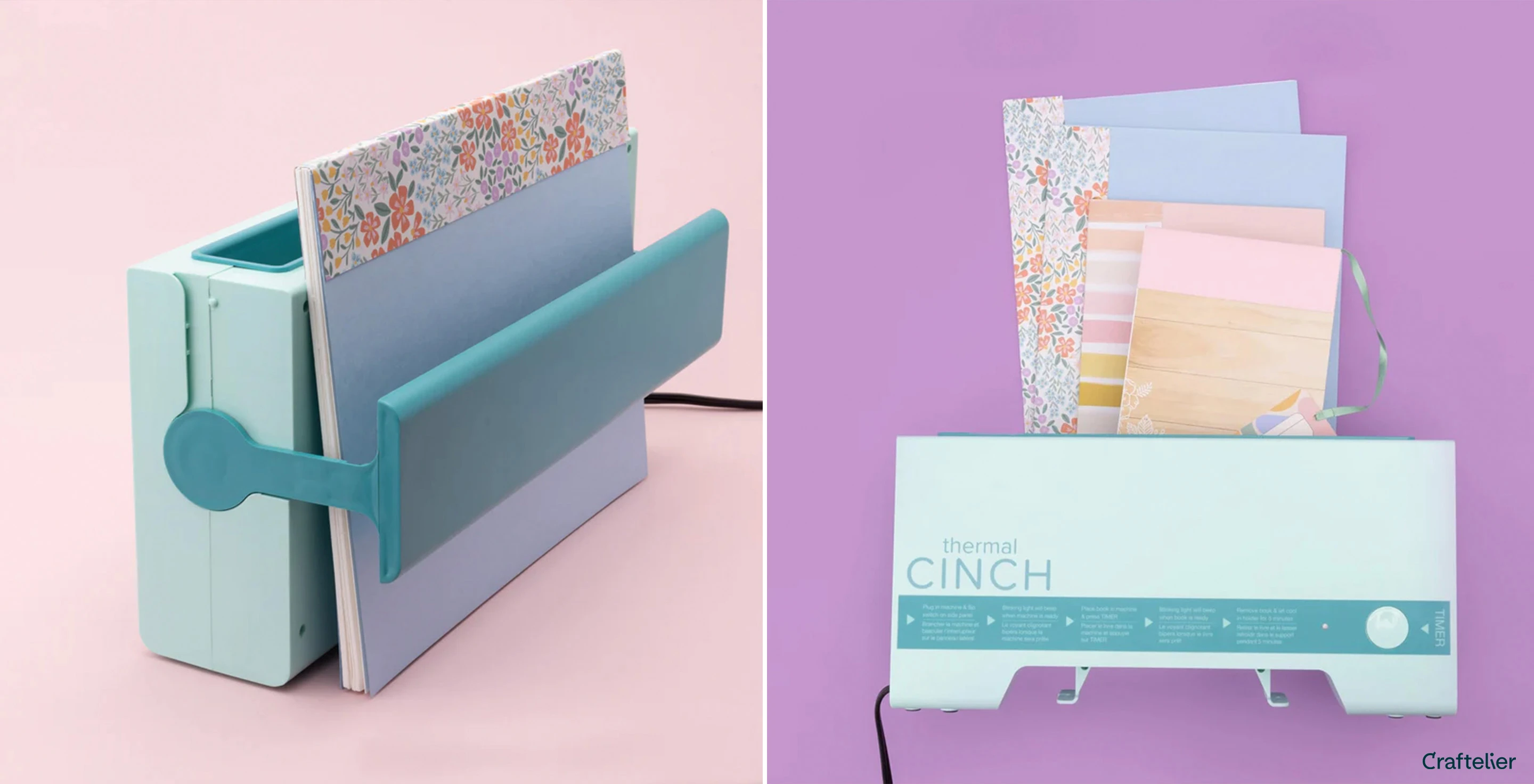
Now it's time to put our notebook in the Thermal Cinch. We place it with the spine downwards, as the bottom of the machine is where the metal plate is heated and makes the glue melt, thus sealing the pages. Press the timer button and leave it until the machine beeps, indicating that the binding is ready. Once we take it out, it is very important to let it cool for at least five minutes before opening the booklet. In this video you will be able to see the step by step and different binding options.
Let your imagination fly
Now that you know the basic operation of the Thermal Cinch it's time to experiment and try new ways of making your bindings. As we said before, you can't just stick to the spines that come with the machine or in the decorated spine kit. For this, you have the loose glue strips available so you can choose the thickness of your spine or the paper you want to bind with. For example, you can use a single piece of decorated paper, make the marks where the covers will be folded and glue the glue strips on the inside. On the other hand, you can use more materials than just cardboard! For example, you can make covers out of faux leather, acetate, fabric, thin cork... or combine several materials. Just bear in mind that the material you put on the spine must be heat-resistant, as it will be in contact with the plate that makes the heat-sealing.
Personalise with add-ons
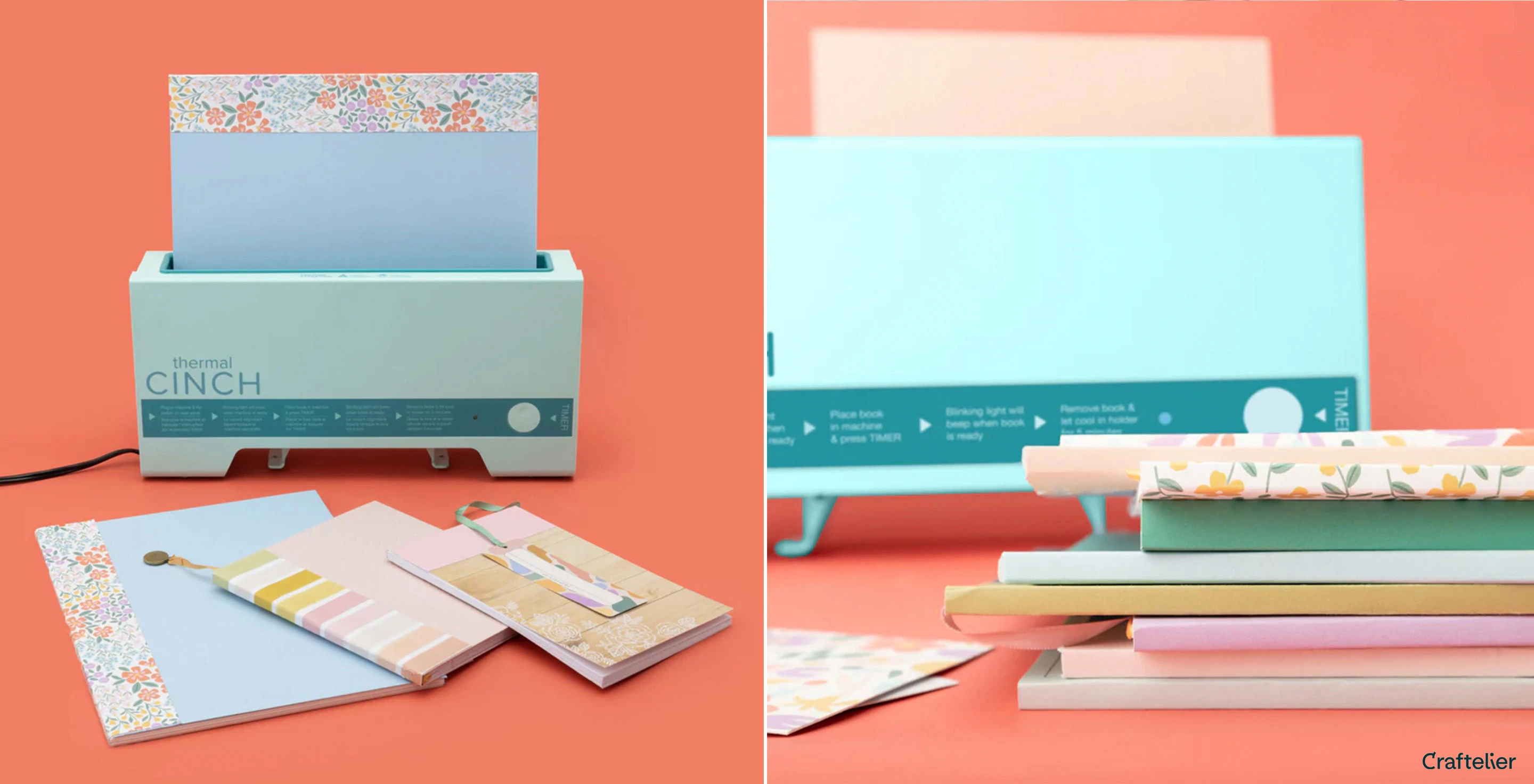
In addition to spine kits or loose glue strips, on the website you will also find other types of accessories with which to personalise your binding, such as bookmarks. You can choose from different models, with tassels, charms, labels or stencils. Simply place the ribbon between the glue strip on the spine and the papers, so that it will be attached when the bookmark is heat-sealed.

Much more than notebooks
With the Thermal Cinch you can make much more than just notebooks! Try binding all the photos from a wedding or a trip directly, with beautiful covers, for a quick and easy album. You can also print out time sheets and create your own weekly organiser. Create a long notebook, put a magnet on the back and you've got yourself a shopping list pad. And who says it can only be rectangular? Imagine a hexagonal or heart-shaped notebook - a nice gift idea! Now that you know everything you can do with the Thermal Cinch, don't hesitate any longer and go for it!