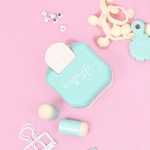
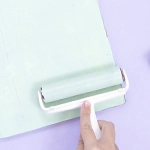
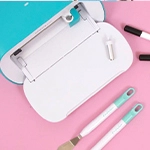
We already know the many options and uses Cricut can offer us. It allows us to work with many materials, and we can do with these machines almost anything we can think of, like details for our scrapbook projects, tags to classify our boxes and jars, or we can even make our own t-shirts and tote bags with durable designs and very bright colours thanks to the Infusible Ink line. Moreover, we can make designs with different finishes, like matt, glossy or metallic. Now, the Cricut Mug Press has landed to make a bigger revolution, now, we can customize our own mugs.
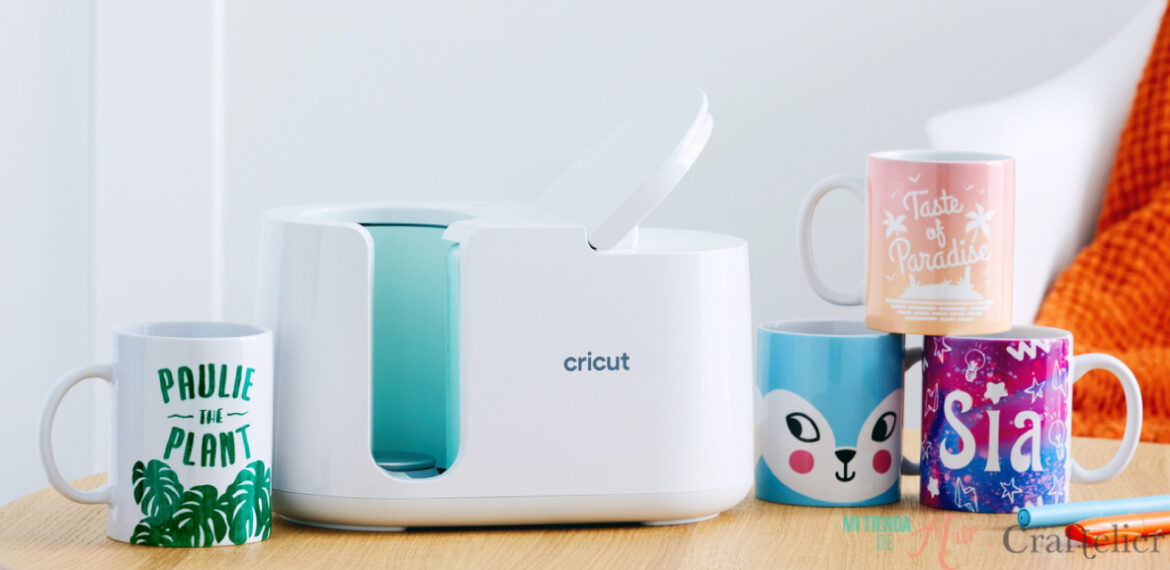
Circut's innovative system together with the Infusible Ink line creates high-quality transfers that are user-friendly. Once we've customized our mugs, we could put them in the microwave or the dishwasher and they won't lose their vivid colours or shine. However, we should take some precautions to make sure they will always look as new. We should always place them in the upper tray of our dishwasher, avoid steam treatments or hi-temp wash as well as abrasive detergents.
We may, at first, think that making a customized mug is a very complicated task, but Cricut has made this job very easy for us! Once we make our firs mug, we won't be able to spot using our Cricut Mug Press. We can update our mug collection or make presents to all of our friends in every birthday.
What do I need to make a mug?
- Cricut Mug Press machine with the latest technology. The Mug Press does not require complicated settings or adjustments for temperature, pressure or time, as it is very easy to use. Although the machine comes with a protective cover to protect the workspace, it is always recommended placing it on a surface that can withstand the heat.
- Ceramic cups mug blank. You can choose between two sizes, 340 ml or 425 ml mugs.
- Infusible Ink materials, such as vinyls and transferable sheets or markers.
- Cricut Design Space design programme.
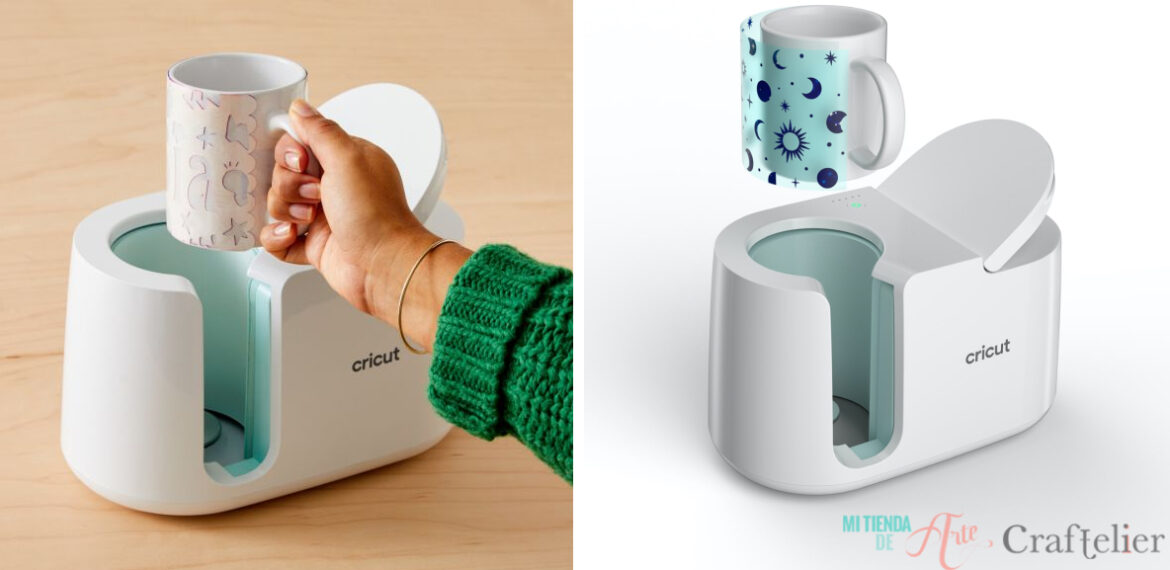
How to use the Mug Press?
The first thing we should know about it is that is super easy to work with. With Cricut Design Space we can create our illustrations or quotes in just a few minutes. Then, we just have to take our Cricut machine and cut our design in any of the Infusible Ink materials. The only thing we must keep in mind at this point is to leave a minimum distance of 12.7 mm between the handle and our design. The reason is that, in this area, the Mug Press cannot apply heat evenly, therefore our design could be damaged.
Then, we can adhere the transfer sheet in our Infusible Ink compatible mug and place the mug on our Mug Press. A set of LED lights will tell us the status of our machine. If the lights are orange, that means we should wait to introduce the mug in our machine because it is heating up; if the lights are green, it means we can use it. Once the machine has finished its process, that can last about six minutes, we can take out our mug. But remember to gran it, only touching the handle! Now, we have to wait it to cool down, between 15 and 30 minutes, and then, we can remove the transfer sheet and... that's it! All we have left to do is to enjoy our mug.

What do you think about the new Cricut family member? Customize mugs is quite easy now, right? We are loving this new machine, and we're committed to create a loooot of mugs for our office!