Infusible Ink is Cricut's latest release, a range of products that we couldn't love more. It's a brand-new way to customize surfaces with professional quality.
The world of cutting plotters is quite amazing, as it allows us to customize objects with our own designs, to print our creations and to transfer them not only on objects such as albums, but also on mugs, t-shirts, bags... The possibilities offered by this kind of machine are endless!
And today we are talking about a very special type of transference, the Infusible Ink. You may be wondering what exactly is Infusible Ink, and how does it differ from other types of transfers? In this post we are going to explain everything, so keep reading because you will surely love this line of Cricut products.
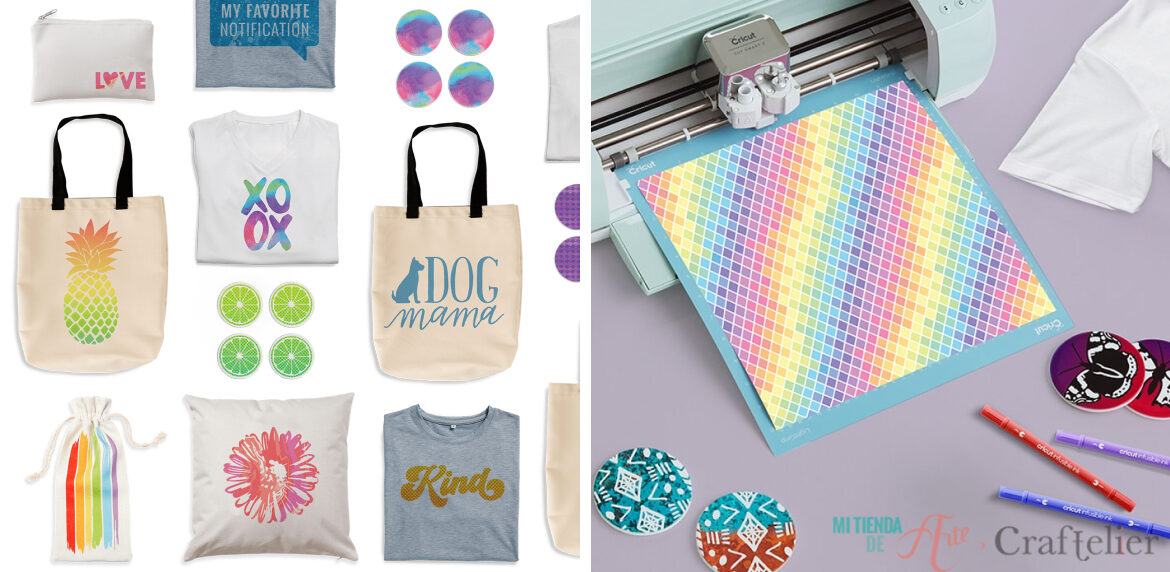
Cricut Infusible Ink Range
Cricut's Infusible Ink product range is a collection of materials for making transfers and personalizing surfaces. So far, we could say that it is like all other heat transfer or sublimation techniques. But these transfers offer professional quality as the transfer sheets do not "stick" to the material as is usual with this type of product. When applying heat to the Infusible Ink transfer sheets, thanks to its special ink, the design is transferred to our product, integrating itself with the material. That is why these transfers do not crack, do not flake and stand up very well time and washings.
Moreover, you will be surprised to see the final result: soft to the touch and the colours are much brighter and more vivid than with other transfers. There are several options with which you can customize your products, from plain colours to colourful prints. These sheets have a slightly thicker texture than normal textile vinyl sheets, but when applied to the garment it disappears, as it is only the ink that is transferred to the item.
Although transfers with Infusible Ink offer excellent results, if we want to achieve very specific effects (such as holographic or glitter effects) or apply them on dark materials, we will have to use their regular range of products. We must also remember that we cannot apply the Infusible Ink transfer sheets to materials such as wood, for example, they must be used with compatible materials, always identified with the "Infusible Ink" label.
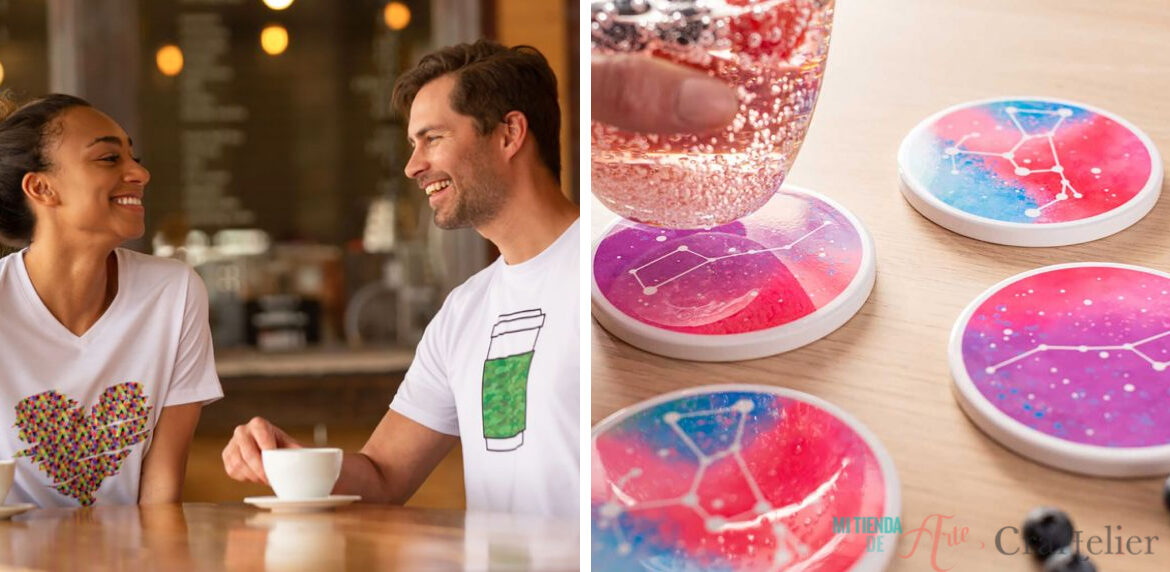
What do I need to work with the Infusible Ink product range?
Making transfers with Infusible Ink is very simple and is not far from the process required to apply other types of heat transfers, so there is not much need for materials other than what you already have:
-The machines compatible with Infusible Ink are the Cricut Maker and the Cricut Explore Air 2 and, of course, access to Cricut Design, where you will make our designs.
-An EasyPress 2 or a domestic iron that reaches 205ºC (400ºF).
-Infusible Ink Transfer Sheets or Infusible Ink Pens
-A white cardboard (it is not recommended to use coloured sheets because of their transfer potential)
-Butcher paper to protect from heat (included with the purchase of Infusible Ink Transfer Sheets).
-Lint roller
-Scissors and tweezers.
How to create a project with Infusible Ink products?
1. To choose the materials, you can decide to customize a T-shirt, a tote bag or a coaster.
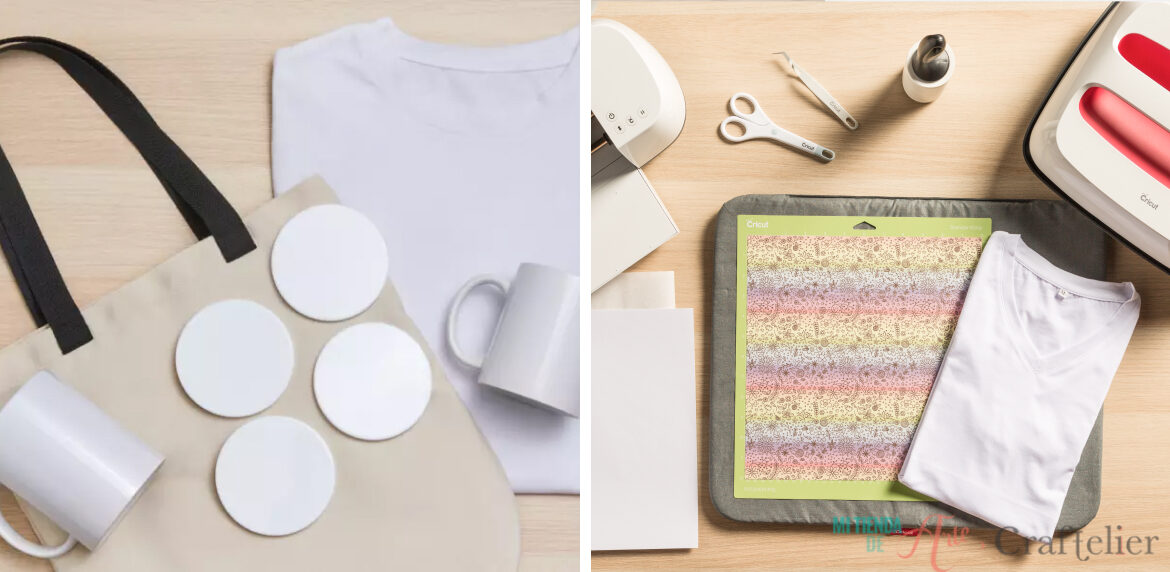
2. If you use Infusible Ink markers, you can work with your Cricut Maker or Cricut Explore Air 2 machines. If you do it by hand, remember to write it as a mirror. If you are using Infusible Ink transfer sheets, make sure to activate the "mirror" function when making your design in Cricut Design. Next, place the transfer sheet on the cutting mat with the pattern facing upwards. Make sure that the sheet is well attached to the entire surface.
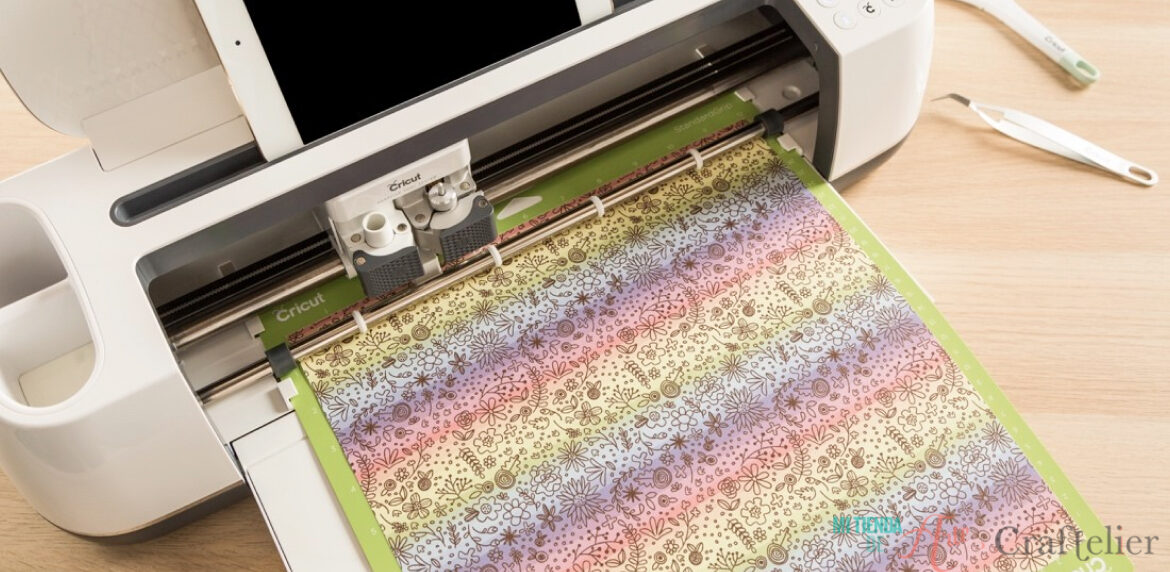
3. Carefully remove the cut part with the tweezers, leaving only the design.
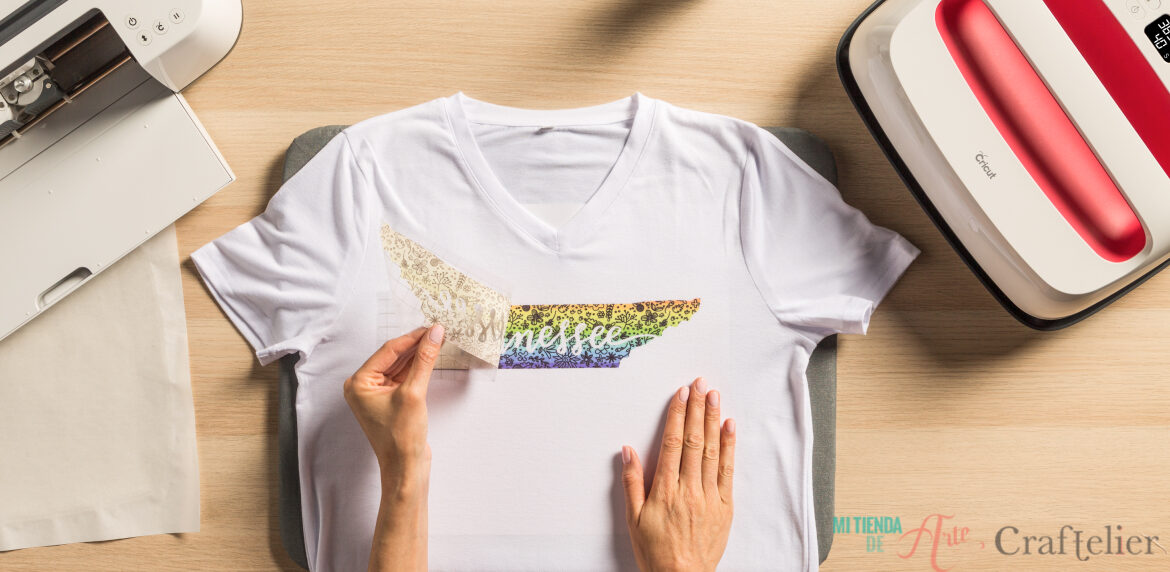
4. Now is time for the sublimation. Set up the surface by placing the protective mat under the material and put a piece of cardboard inside the garment or bag. Secure the design with heat adhesive tape to prevent it from moving.
5. Wipe the surface of the garment with a lint roller. This way, lint, particles or fibres to avoid any imperfections in the design.
6. Place the butcher paper on top of the design (the paper should be larger than the heat press) and preheat the garment in order to remove any possible moistness and to remove any wrinkles that could spoil our design.
7. To set the temperature, time and pressure you should use for each project, always check the Cricut EasyPress Heat Transfer Guide. Remember not to move the machine while applying heat.
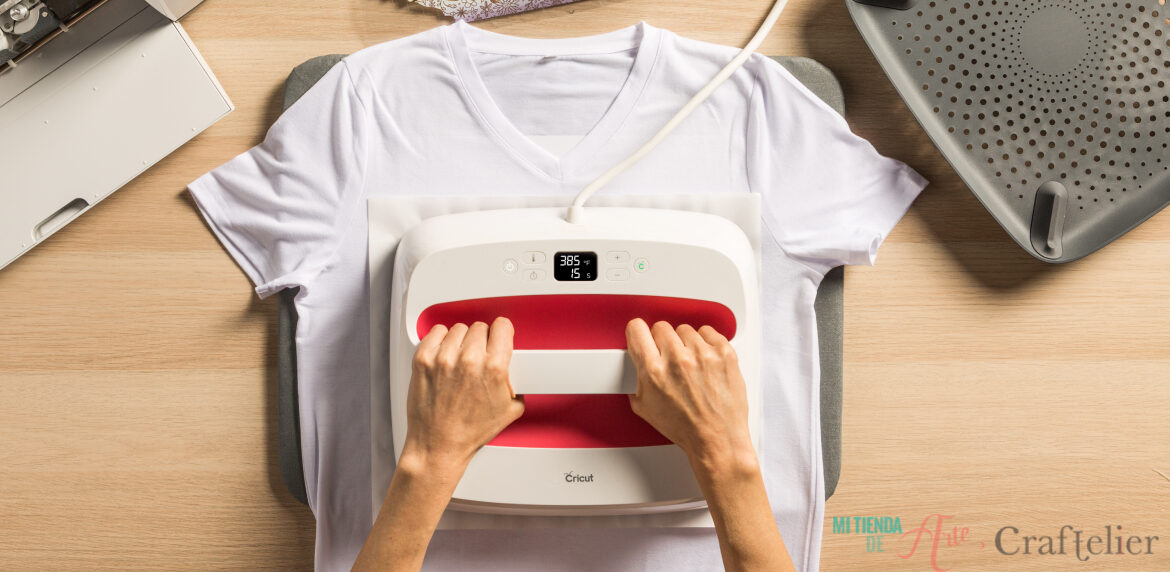
8. After removing the EasyPress, allow the garment to cool down before peeling off the butcher's paper (which should not be reused for other projects). Then, remove the design liner and, if there are pieces that should not be part of your design, carefully remove them with the help of tweezers.
9. And... ta-da! Our design is ready ?.
10, To extend the life of our creation we must keep in mind the following points: it is important to wash the garment inside out in cold water with a mild detergent and do not use fabric softener or bleach. If we use a dryer, it must be set at a low temperature and wipes should be avoided.
What do you think about Infusible Ink? Tell us what kind of projects you would like to make and in case you have doubts, ask us in the comments, we're always here ? See you in the next post!