Every detail counts in a Scrapbooking Layout
In the previous post, we explained what a layout is, as well as some basic rules for facing the blank page and organising your compositions.
In a layout, all the elements come together to form a whole, we create a design that tells a story, so it is important that everything we put in makes sense. Ideally, the image should be integrated into the layout design in terms of shape, colour and style. For example, if the photo has a romantic style, it wouldn't make sense to use a geometric or abstract background.
This article will give you some practical tips on how to create spectacular layouts.
The importance of the photo
The photo is one of the main elements of the layout, so it is important to pay attention to it. A photo that is too dark or too saturated in colour can ruin your work, so don't hesitate to edit it to make it look better. If you are going to use several photos, they should ideally be of the same moment or theme, so as not to lose coherence, and use the same colour or filter to edit them.
You should also print them in the correct size, which will depend on the layout design: small if there are several of them, large if you want them to take up a large part of the page and give them more prominence, or medium size (3"x4" or 4"x6") if you want to integrate them into the design without making them stand out too much.
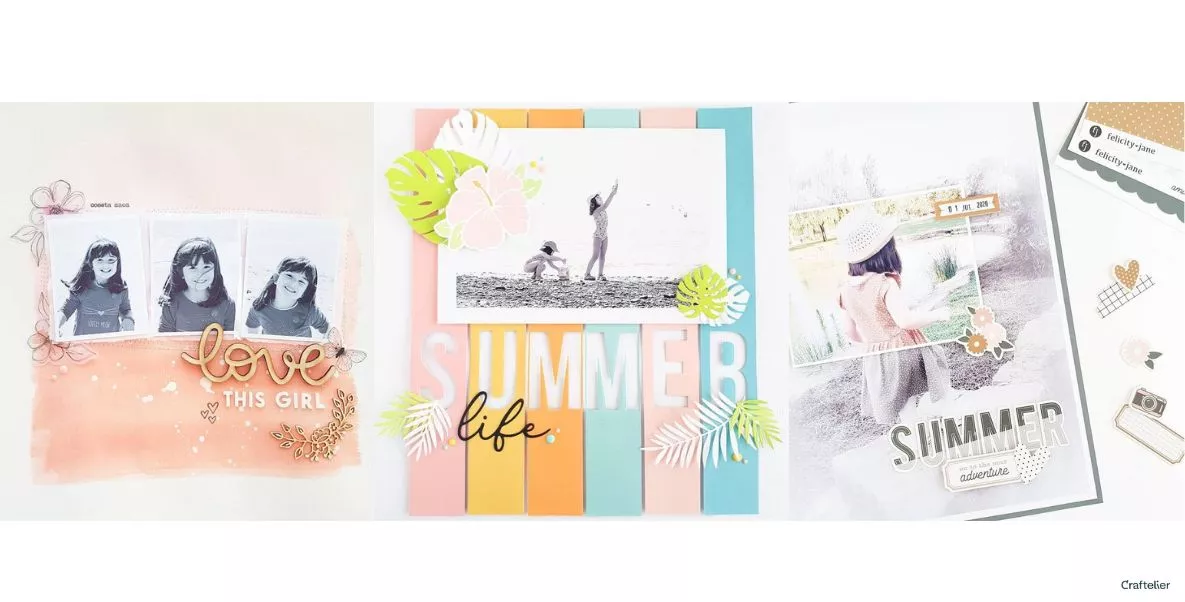
On the other hand, a good idea to keep the photo from getting 'lost' in the design is to frame it, either by printing it with a white border or by using cardboard or several layers of decorated paper (layers) that stand out from under the photo. If you don't want this frame to stand out too much, try making it out of vellum paper, this will give it a very subtle touch.
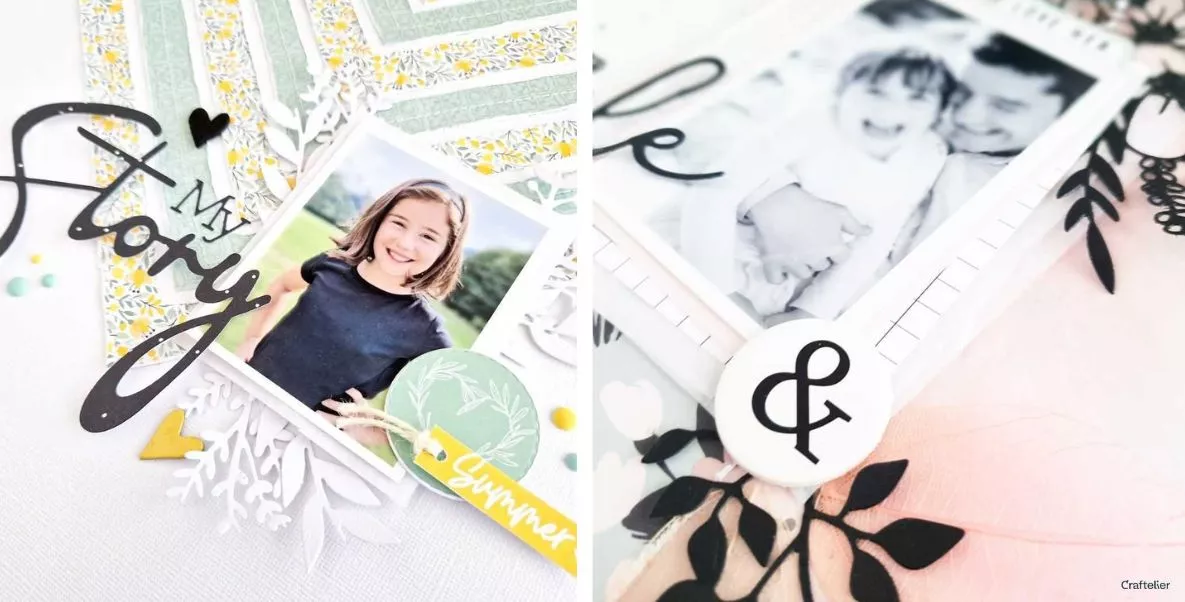
Finally, consider the 'orientation' of the photo. That is, if a person is looking to the left, place the photo on the right side so that the person is looking towards the page, not away from it.

Select a colour palette
Normally, this palette is given by the colours of the photo and will help you choose the paper and embellishments. If the photo is in black and white, you can choose according to the style you want the layout to have (colourful, monochrome, vintage...).
If you don't want to get too complicated, you can choose a main colour and two or three complementary colours. And try to make sure that the other decorations you choose complement the photo. For example, if we have a photo of a beach, we will choose decorations that remind us of the sea.
Group ornaments together
When you place the supplements and embellishments on the page, put them in groups (so that they touch each other) or lean them against something (photo, title, etc.). Don't let them float around, it looks weird. This type of grouping is called 'clustering' and is used because the brain finds it easier to process elements grouped together than individually scattered.
Don't hesitate to 'step on' the photo, either with the title or with the supplements, taking advantage of the empty spaces in the photo. It will give unity to the whole.

Combine different fonts
Mixing different font types will make your layout look more dynamic, so you can add a title and subtitle. This will add interest and make it look more polished. Ideally, you should use two different fonts, but no more than three. You can combine different types of materials: thicker, puffy, cardboard...
Volume and texture
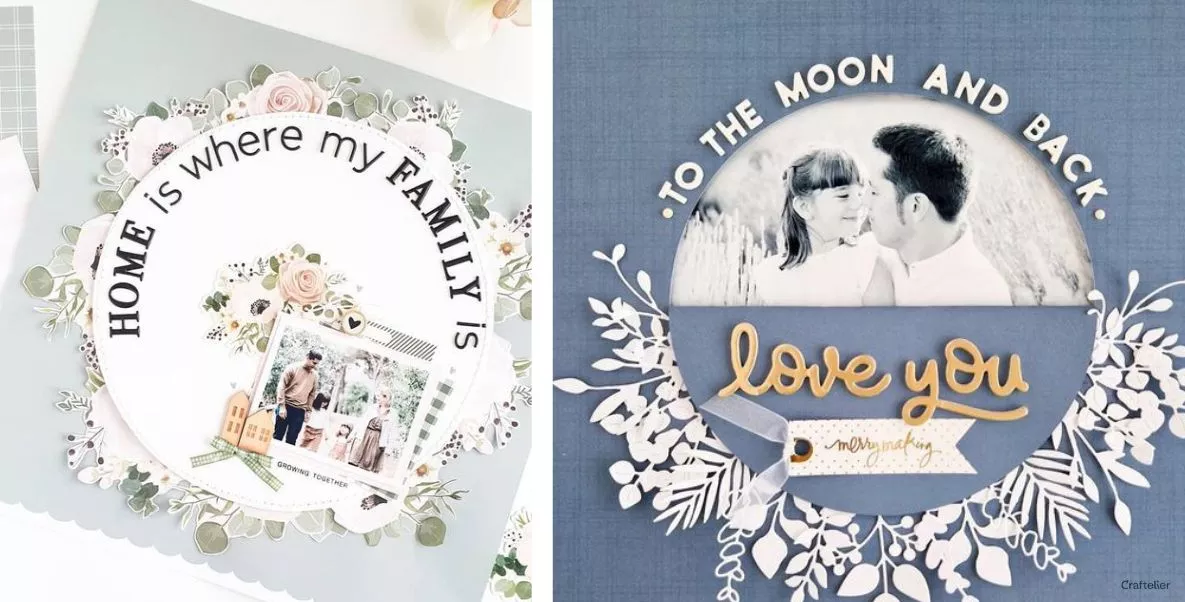
Use different materials to bring your layout to life: stitching, ribbons, tissue paper, wood, chipboard... The different textures will add interest to your composition and prevent it from looking flat and boring.
You can also use elements that add volume, such as foam pads, EVA foam or cardboard, to lift some elements and give them depth. This is very important as it is this sense of depth that gives your layouts that 'wow' factor.
Perfect backgrounds
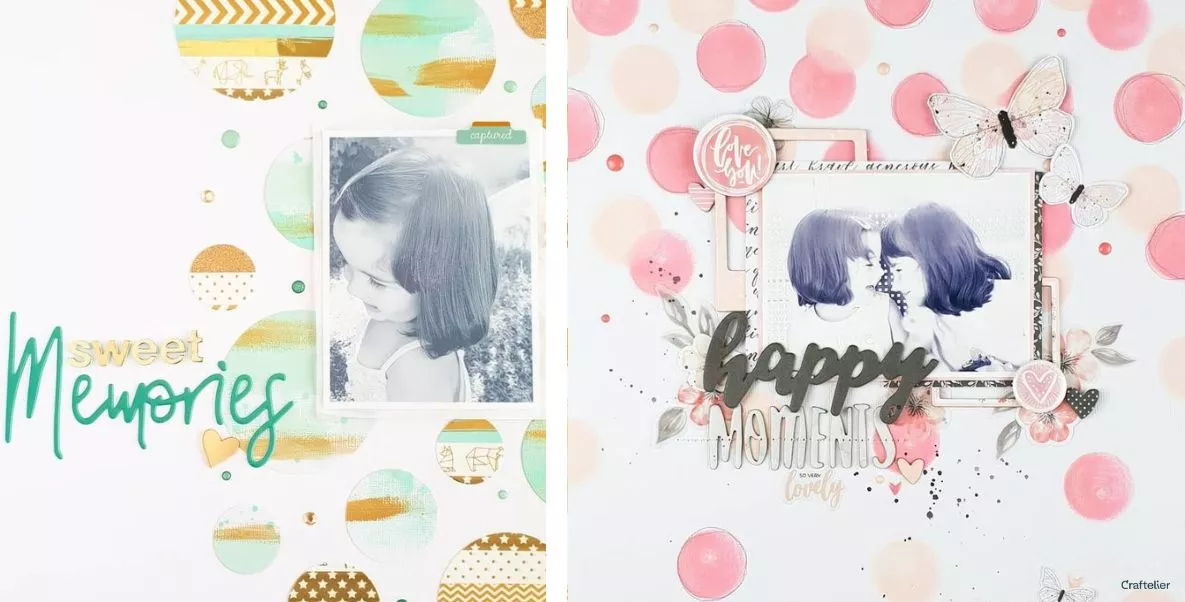
If you decide to make your own background, either with inks, stamps, watercolours, creating a pattern, make sure that not all the drawings or elements fall inside the page. Let some of them be cut out so that it looks like a piece of a larger pattern, as with patterned paper.
Let's get on with it!
Now that you know all the techniques and tricks to create the perfect layout, you have no excuse not to get to work. Choose a photo and a design and start with something simple. You can create it from scratch or take inspiration from existing layouts and add your own style. You'll find that the more you make, the easier it gets!