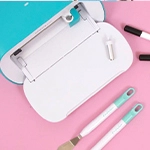
Cricut has arrived at Craftelier and, not only its machines are here, but also its blades, mats, tools, vinyl... Everything you need to start creating with Cricut can be found here.

We have received many questions about how these plotters work and, precisely, to solve all the questions made, we have created this post. So, let's start with the basics: what is Cricut? Cricut is an American brand that creates plotters (cutting machines) and hundreds of accessories and tools to help us customize our crafts. With their tools, we can cut any shape in different materials, from paper or cardboard to fabric, leather, or even balsa wood. Also, we can write, mark, make engravings or drawings, depending on the Cricut model we have. The possibilities offered by these machines are endless!
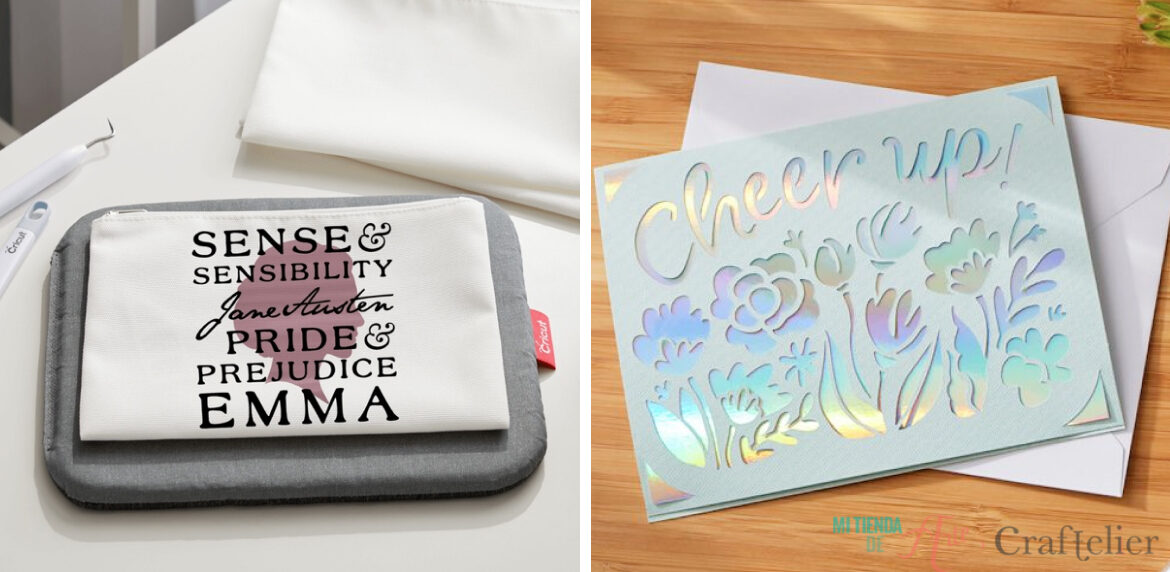
There are several Cricut machines with different features so that we can find one that suits our needs. Since this is one of the questions most asked, we are going to explain the differences between the three available models: Cricut Maker, Cricut Explore Air 2 and Cricut Joy.
Cricut Maker
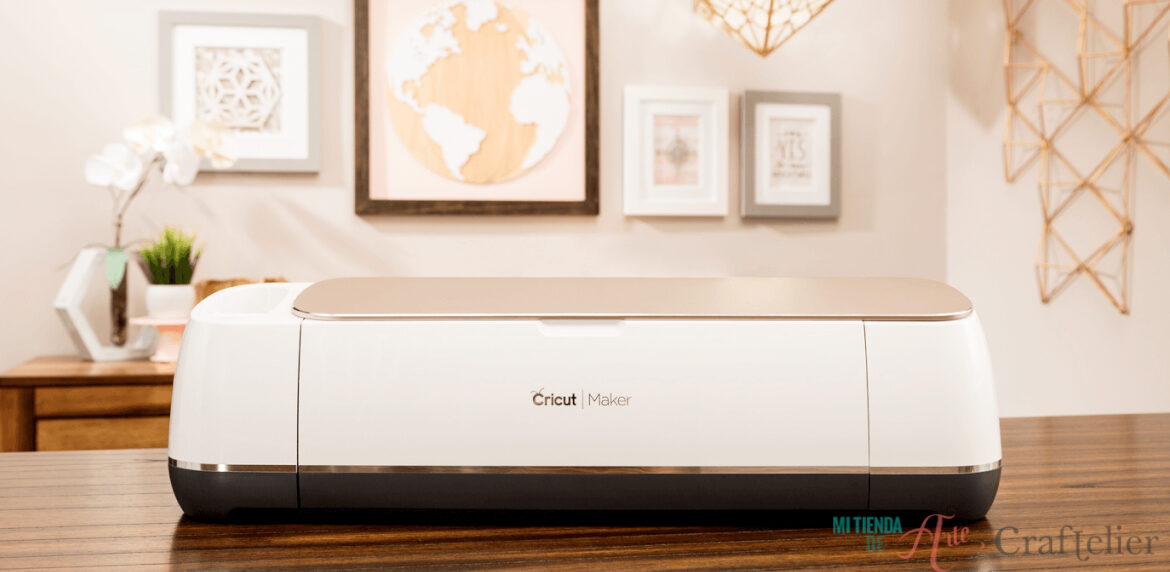
The Cricut Maker will certainly surprise you. It can cut up to 300 different materials, from the thinnest, such as paper or cardboard, to the heaviest, such as leather or balsa wood. That's because it can apply up to 4 kilograms of force, so it can cut materials up to 2.4 mm. To cut these thicker materials, it is necessary to use the Knife Blade, which, based on new technology, allows better cutting control, with more precision and strength.
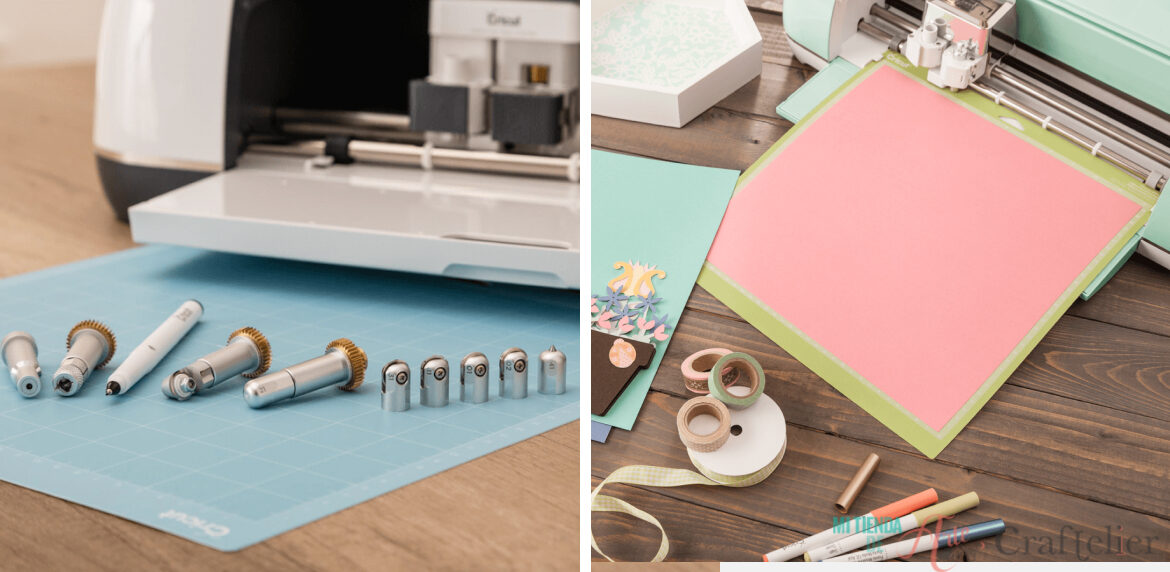
It is able to perform different techniques: cutting, writing, drawing, engraving... We can even cut and write at the same time! It has up to 11 different functions possible thanks to the different blades available. Besides, it includes Expandable Suite. A new system that will allow us to add new tools that the brand will present in the future, ensuring that our Cricut Maker will not become out of date. We will always be able to use the new accessories that come out, as they will always be compatible with our Cricut Maker.
Cricut Explore Air 2
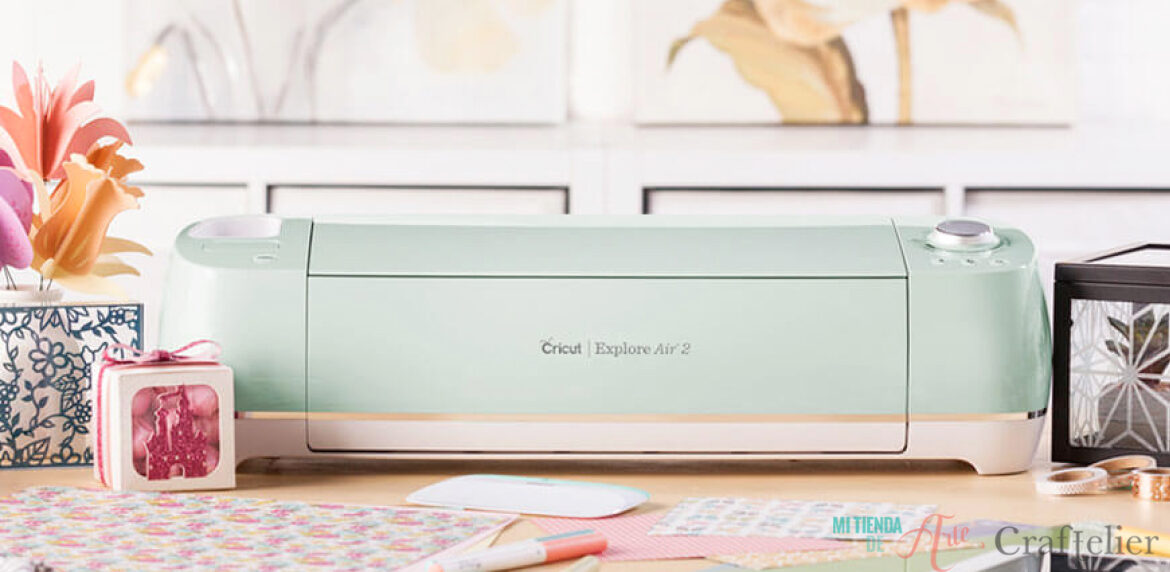
The Cricut Explore Air 2 is one of the brand's most popular plotters. It has the same cutting surface as the Cricut Maker: 60.96 x 30.48 cm.
It is capable of cutting up to 100 different materials, from cardboard, paper or vinyl, to materials with glitter, cork or fabrics and is capable of cutting, writing, and drawing, adding decorative elements to our projects. All this with a cutting force of up to 400 grams.
The Cricut Explore Air 2 will cover all our design needs in a wide range of materials.
Cricut Joy
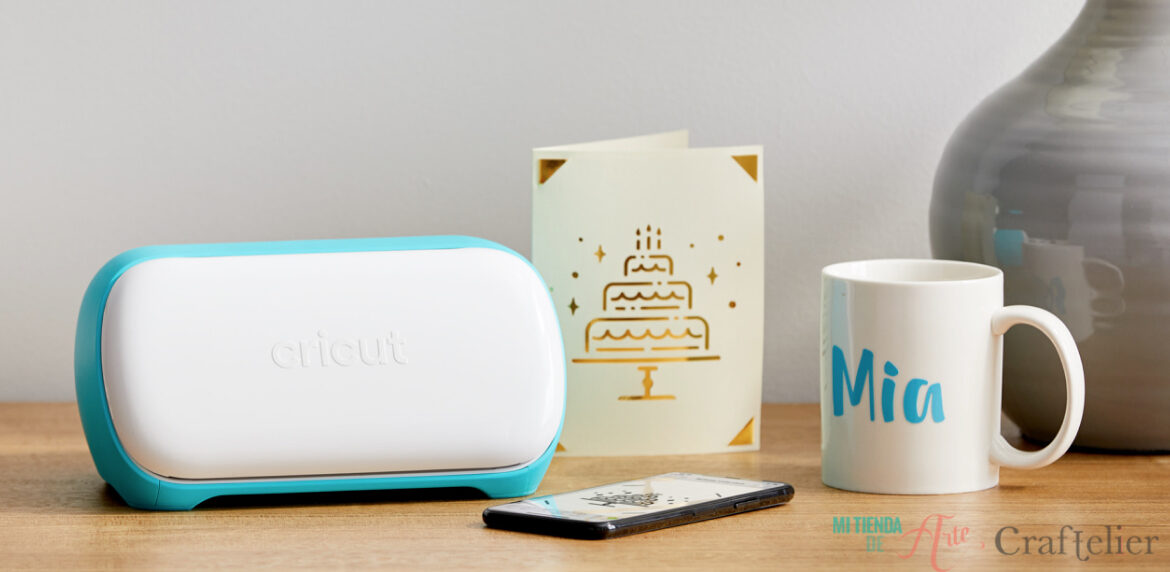
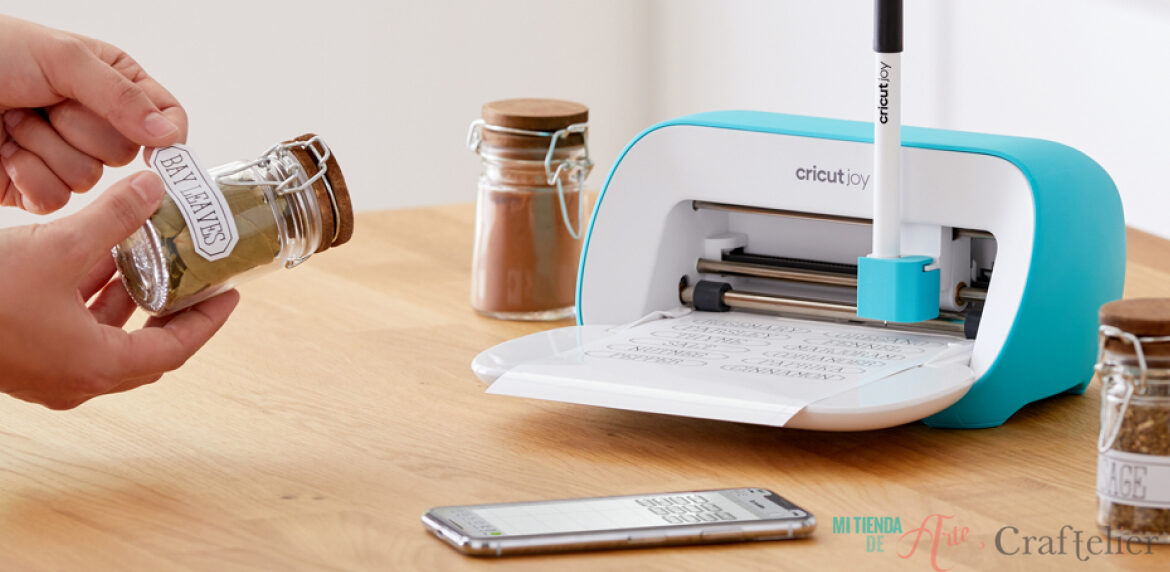
The most compact machine of the brand and the easiest to use is the Cricut Joy. We like it so much because we can take it with us on trips to continue creating wherever we go. It is so user-friendly and functional that even allows you to cut without a cutting mat. It is a perfect choice if we don't have much time. You can simply use your mobile phone to create designs in a matter of minutes.
You can work with materials such as paper, cardboard, vinyl, synthetic leather and Cricut Smart Materials range on a cutting surface of 10.8 cm wide and up to 6 metres long (only with Smart Materials and if they are repetitive patterns).
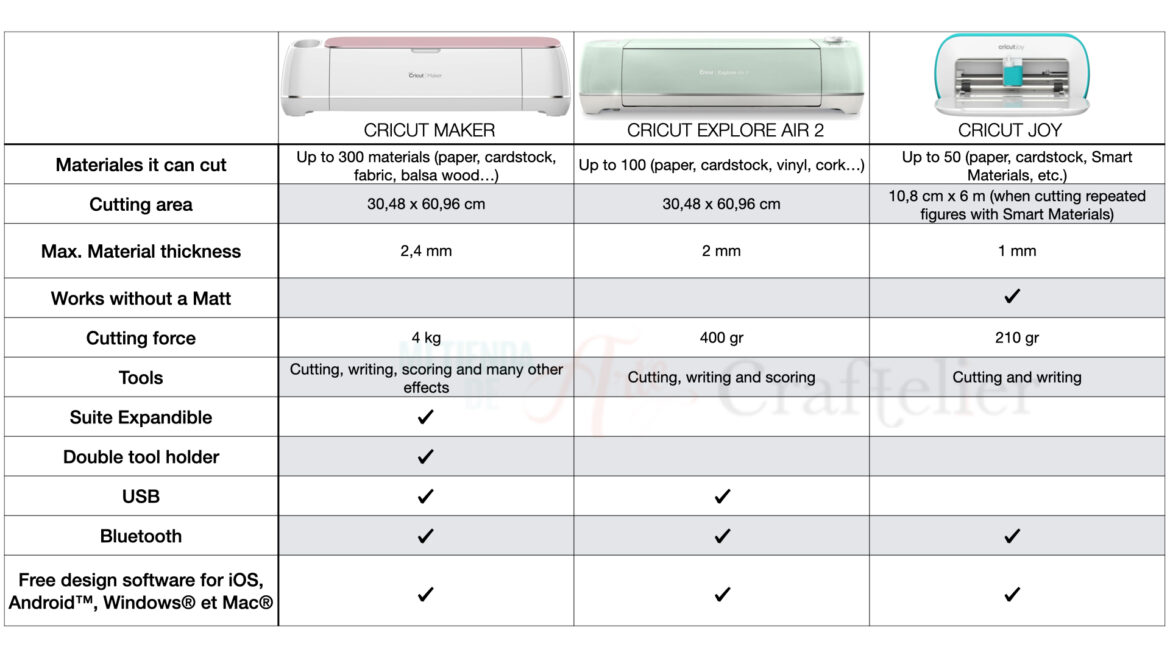
In case you still have doubts about which Cricut machine you should choose, here is a comparative table with all the main features of the three machines to help you clear your mind.
Cricut EasyPress
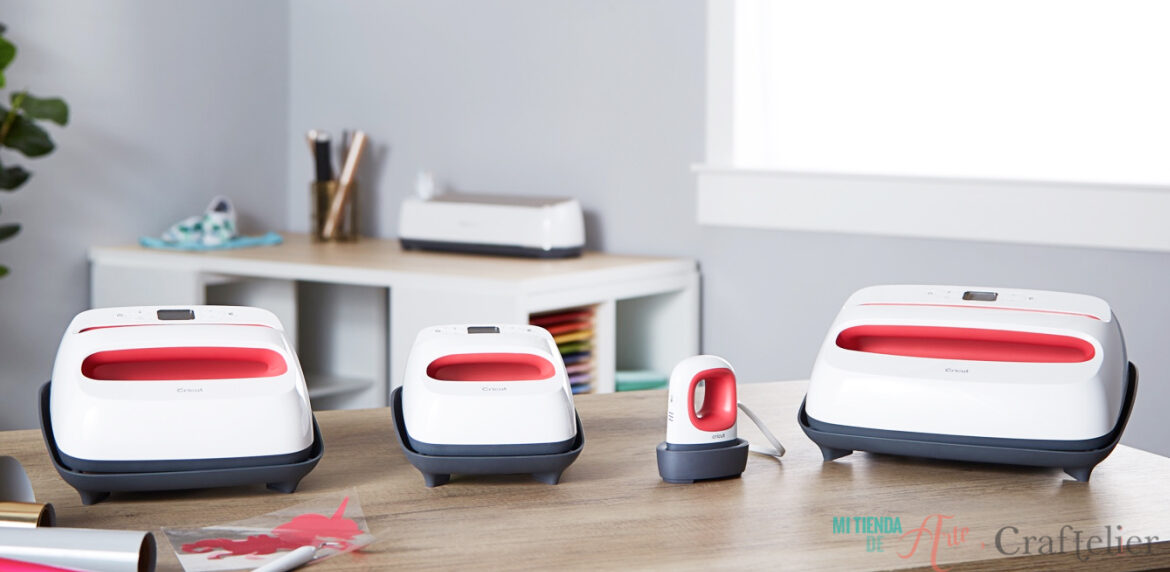
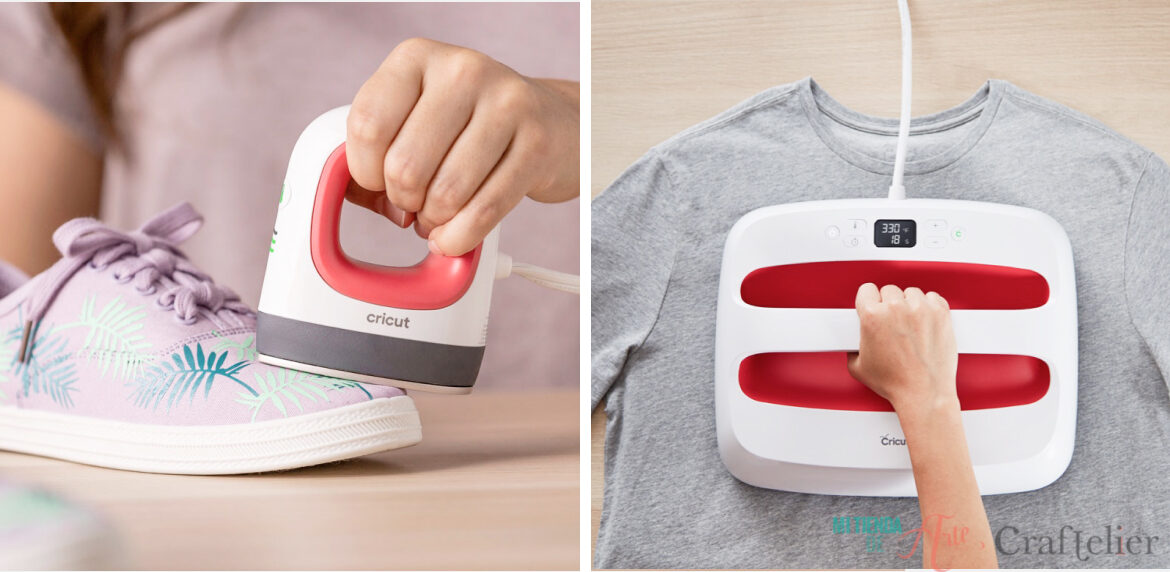
The EasyPress machines consist of three models of manual heat presses to make heat transfers. They allow you to make vinyl transfers and sublimations quickly and without having to struggle with complicated settings. Working with EasyPress is quick and easy.
To make these techniques you may already use domestic irons, but, once you try the EasyPress, you won't want to use any other ironing machine. The main difference between the EasyPress and our domestic iron is that the EasyPress distributes the heat evenly over the entire surface and since it works without water, it does not generate steam, an element that deteriorates certain materials, such as vinyl. Besides, the application is a lot quicker.
To use it, we only have to adjust the temperature and timing. We will apply it to our project when the machine makes a signal (turning a light from orange to green, accompanied by a beep). We must press the button with the Cricut icon and a countdown will start. When it comes to an end, we will hear a beep letting us know when we can now lift our machine. That's how easy and quick it is to use the EasyPress!
Best of all, there are three different models to choose from: the EasyPress 2 that comes in two different sizes, so we can choose the one that suits us best: 22.5 cm x 22.5 cm (9" x 9") or 30 cm x 25 cm (12" x 10"). There is also another model, the EasyPress Mini, for those smaller projects or those projects with nooks and crannies that are more difficult to access with the previous EasyPress.
Now it's your turn to tell us which is your favourite model, have you already decided which one you like the most? If so, let us know in the comments. Also, we'd love to hear about the projects you have in mind to create with your new Cricut, let us know in the comments! ?