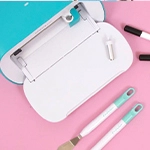
Cricut has several cutting plotters in their catalogue with which you can work with different materials. As we know, each material is unique and, therefore, needs a specific blade to perfectly cut them.
Cricut plotters can be divided into two groups: the Maker and the Explore, which share many of the same accessories and blades; and the Cricut Joy, a machine with its own accessories that are not compatible with the Maker or the Explore.
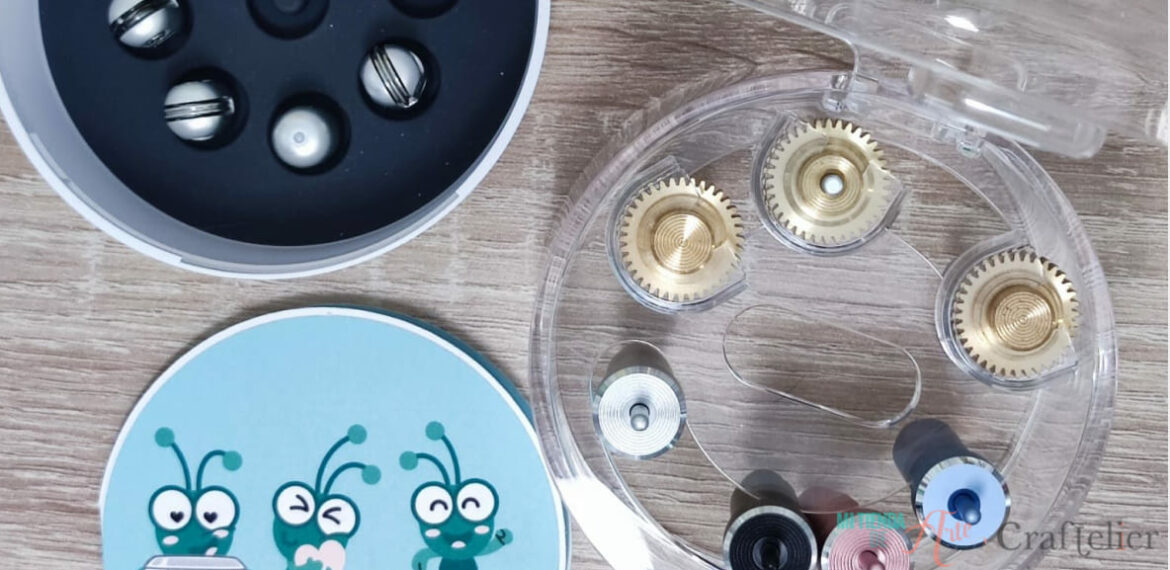
Before reviewing all the Cricut blades that exist, it is important to remember that each blade requires its own housing. This housing will usually be the same colour as the blade so that it is much easier to identify which one you need.
As blades or tips wear out over time, you can always buy replacements. These replacements do not include a blade housing, as we only need to replace the tip. The housing will be compatible with the new replacement (as long as it is the same type of tip).
Cricut Joy Blades
The Cricut Joy is the smallest machine of the brand. But don't be fooled by its size, as the machine allows you to perform many operations. As we mentioned before, the Cricut Joy has its own blades, only compatible with this machine.
Blade and Housing for Cricut Joy
This blade is compatible with any craft material and, of course, with all the special Cricut Joy materials, including Smart Materials.
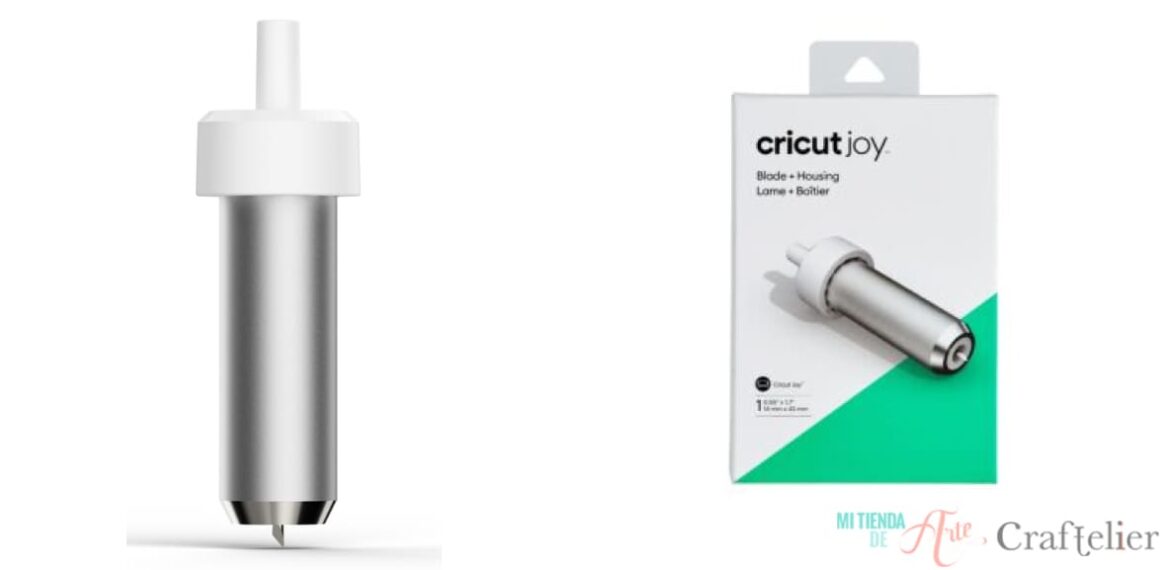
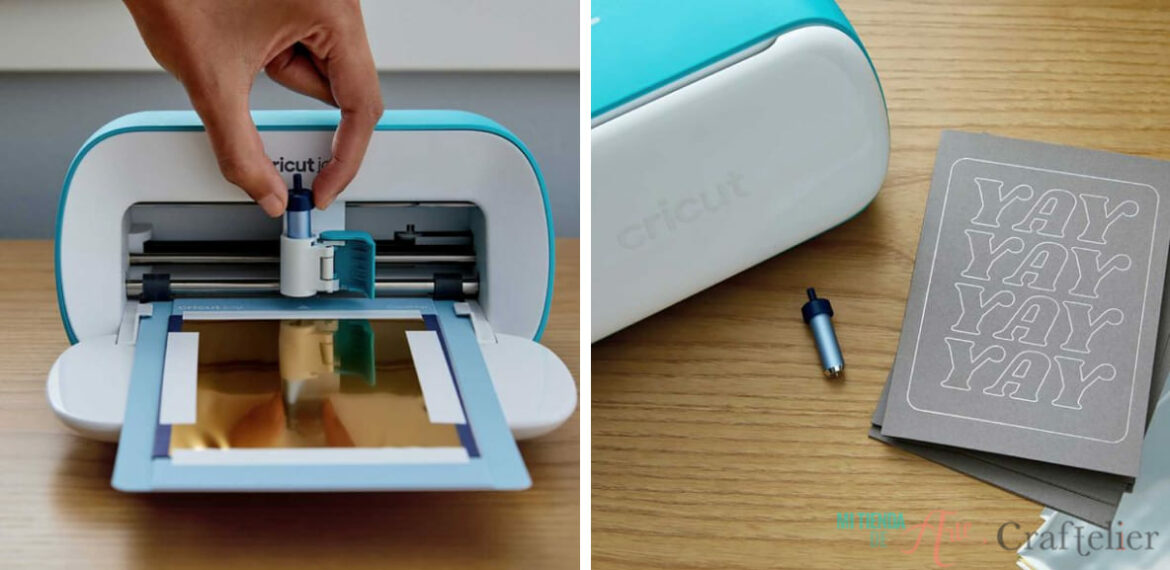
Foil transfer tool
This is the perfect blade for working with foil transfer sheets, which will allow you to add that special foil shine to all our projects. This tool is compatible with any type of paper, cardboard up to 270 grams, photographic paper, and the "Smart Label Writable" vinyl line.
Blades for the Cricut Maker and the Cricut Explore
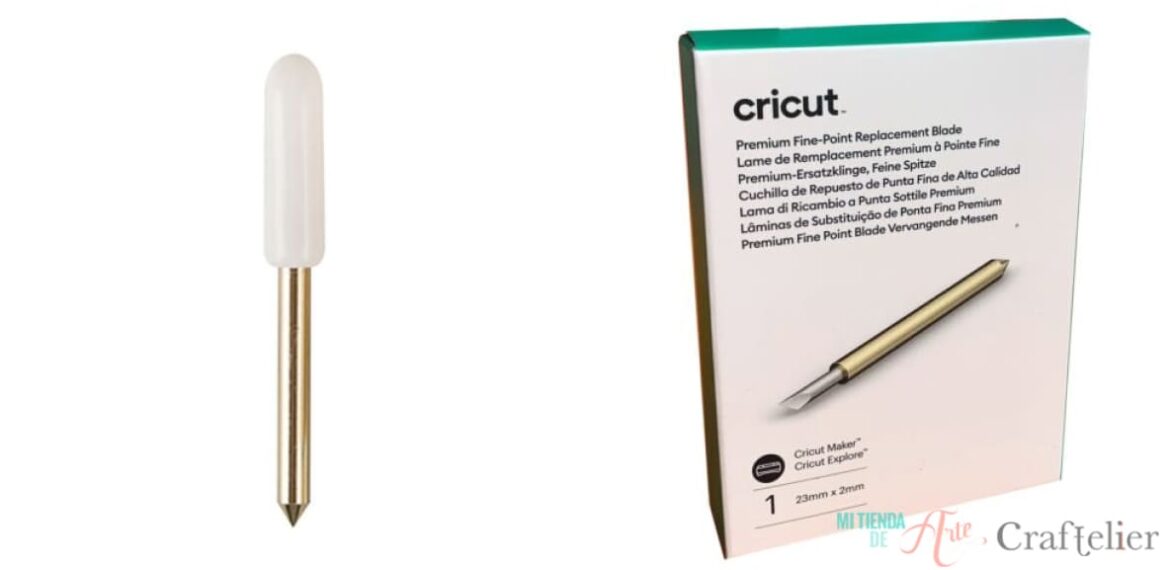
Premium Fine-Point Blade
This is the blade to use for the most intricate and detailed cuts. The fine tip provides a highly-precise cut for even the most intricate designs. This blade is compatible with stickers, paper, cardboard, vinyl, and other thin to medium-weight materials.
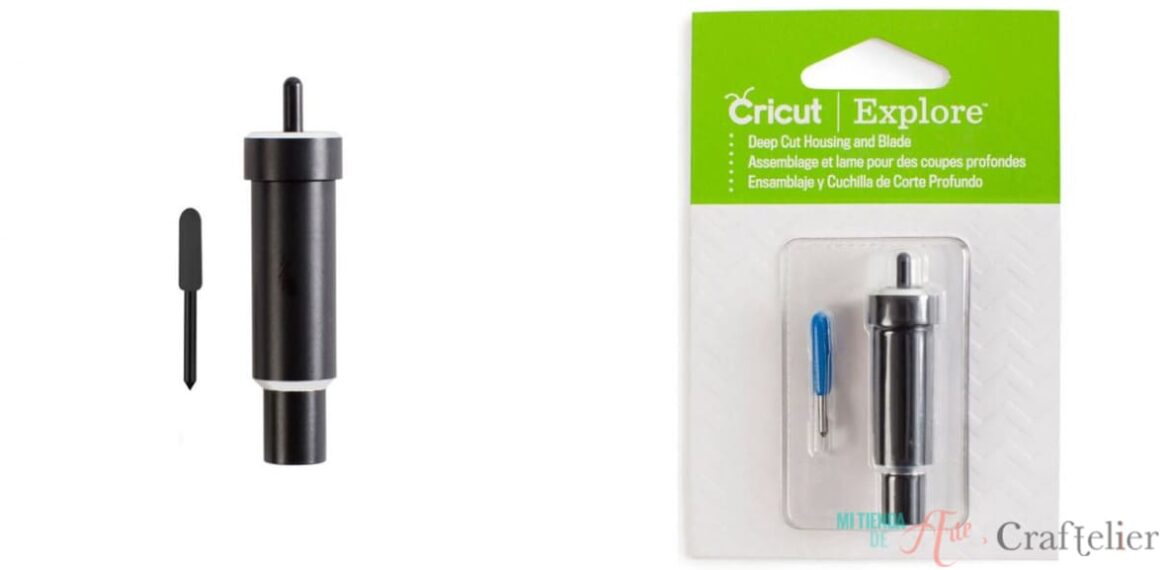
Deep Cut Blade
This hard, tough steel blade is perfect for all those complicated cuts in materials up to 1.5 mm, such as thick cardboard (from 300 grams), cardboard, EVA, glitter vinyl, stiff felt, and some fabrics.
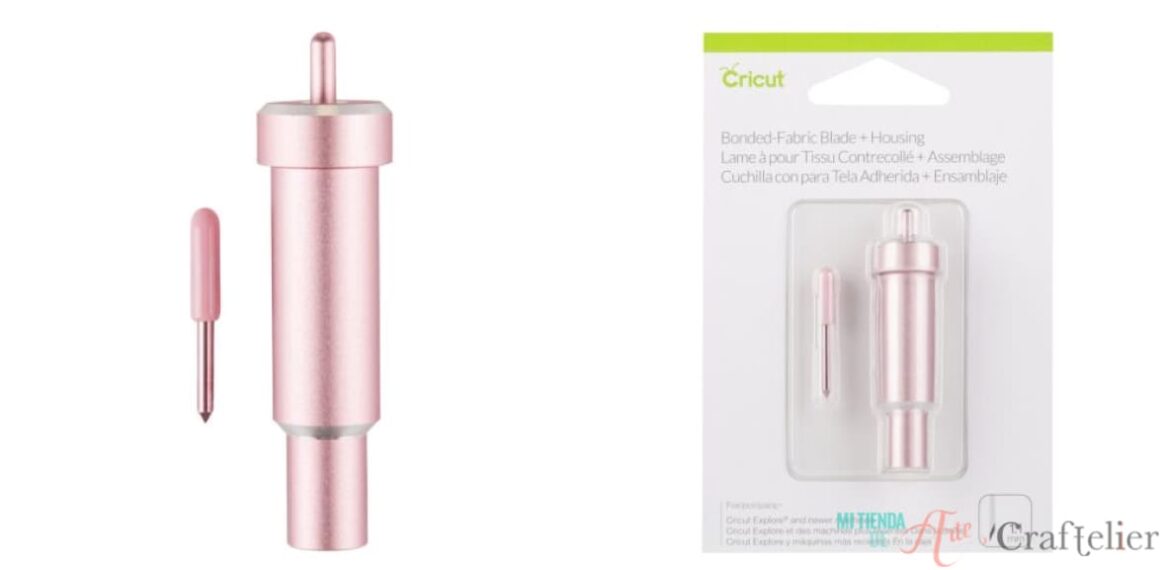
Bonded-Fabric Blade
It is the best choice for making complex cuts to fabric materials, especially bonded fabrics, felt, or fabrics with iron-on vinyl. The blade is pink, matching the special fabric cutting mat, also pink, so you can never go wrong when working with fabric!
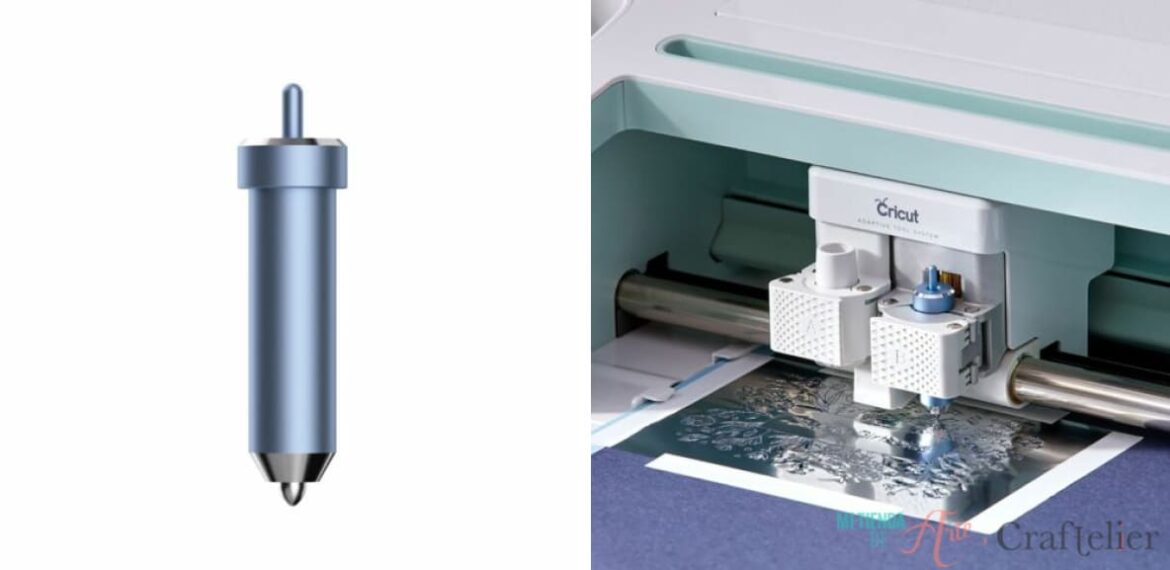
Cricut Foil Transfer Kit
This blade will allow you to add foil details on different materials. It includes three interchangeable tips, fine, medium, and bold, allowing you to create many more designs, from the simplest to the most detailed.
Only compatible blades for the Cricut Maker
QuickSwap Tools
This housing allows you to quickly change the blade or tip you want to work with. The following tips are compatible with this housing: scoring wheel and double scoring wheel, engraving tip, debossing tip, perforating blade, and the wavy blade. Undoubtedly, it gives you versatility for a lot of projects.
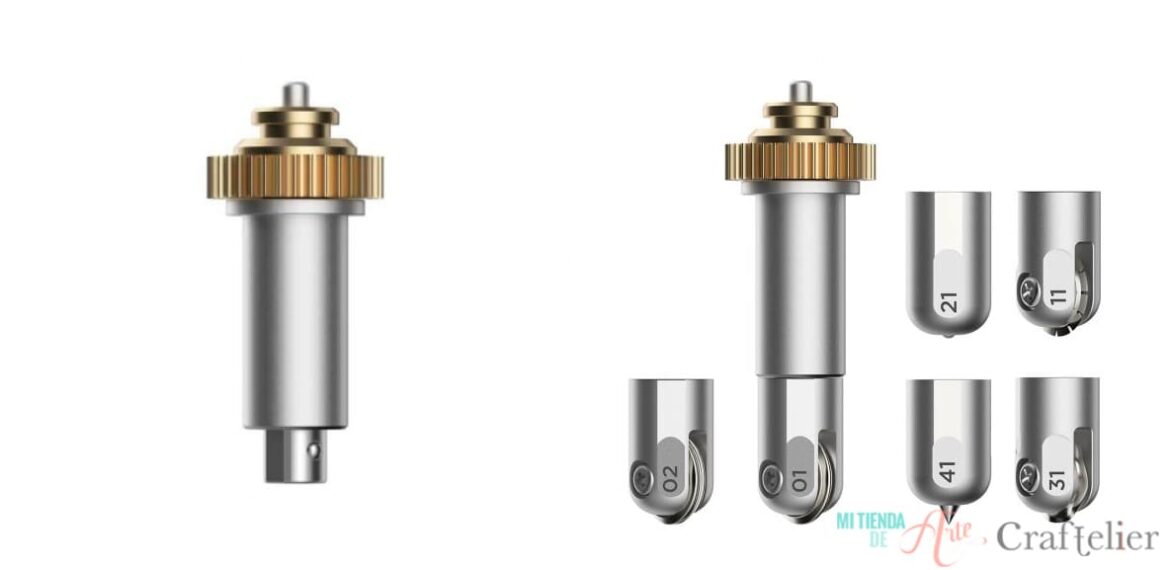
- Scoring wheel and Double scoring wheel: these two wheels can apply ten times more pressure than the marking pencil, making them the perfect choice for creating sharp creases. While the marking wheel creates a single crease, the double marking wheel makes two parallel lines, so it's perfect when you need to score slightly denser materials such as thicker cardstock or cardboard.
- Engraving tip: If you want to add embossed designs, to add dimnesion and relief to your projects, this is the tool you need.
- Debossing tip: You can make personalized engravings with this tip, and also write text or drawings on various materials, including thin metal foils, soft metals, leather, acrylics, or plastics.
- Perforating blade: This blade creates evenly distributed perforation lines for a clean-cutting result. Perfect for making curved shapes.
- Wavy blade: Perhaps, this is one of the most special tools, as you can use it to create decorative borders on any project, creating a wavy finish on most materials, including paper, vinyl, and cardboard.
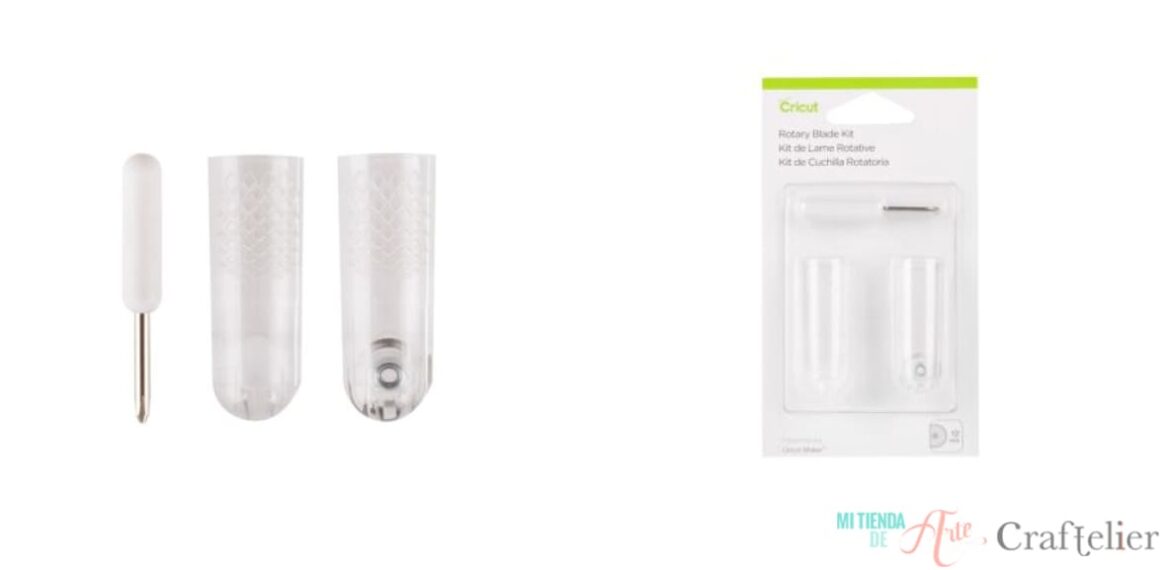
Rotary Blade Replacement
This blade, only compatible with the Cricut Maker, makes clean, precise, and customizable cuts in different materials, including fabrics. Thanks to its sliding movement, it can cut soft and thin fabrics without any need for a protective material. In addition, it can cut other materials, such as tissue paper or cork.
This blade should be used with the FabricGrip mat, which is made of a stronger and denser material.
We recommend you make designs 1.9 cm or larger. Due to the way it works, sliding, if you were to try to draw a very tight turn, the blade could make a trace on the mat, reducing the life of the blade.
Knife Blade
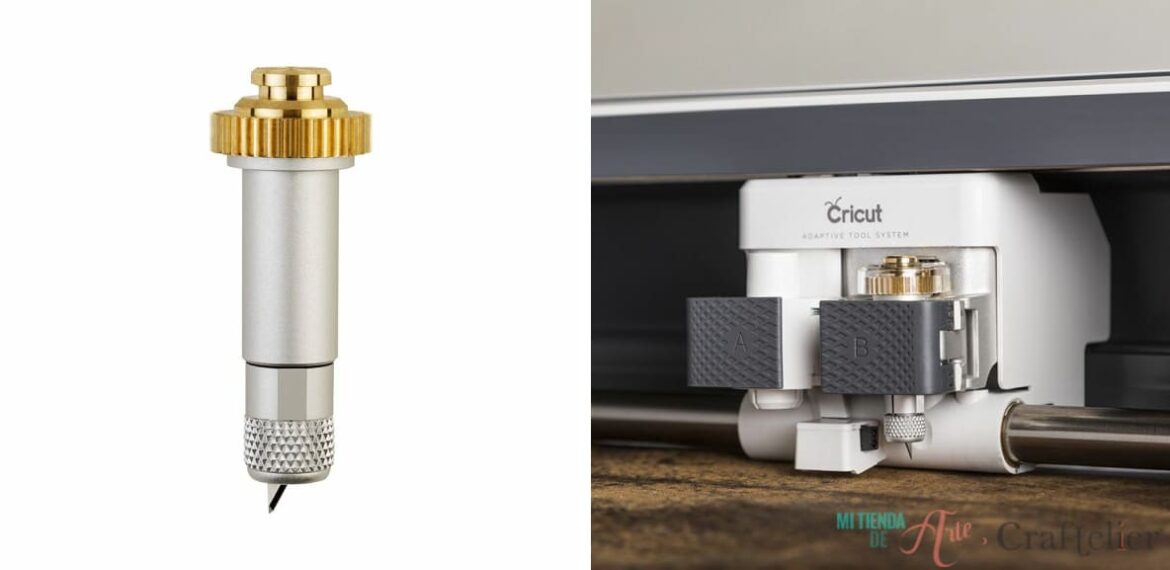
If you have a Cricut Maker and need to make detailed cuts in thick materials, this is the blade for you. Capable of cutting materials up to 2.4 mm such as balsa wood, corrugated paper, or chipboard.

We hope you found this compilation of Cricut blades useful and that it serves as a guide to know which blade you need for your project. Feel free to leave any questions you may have in the comments ?.