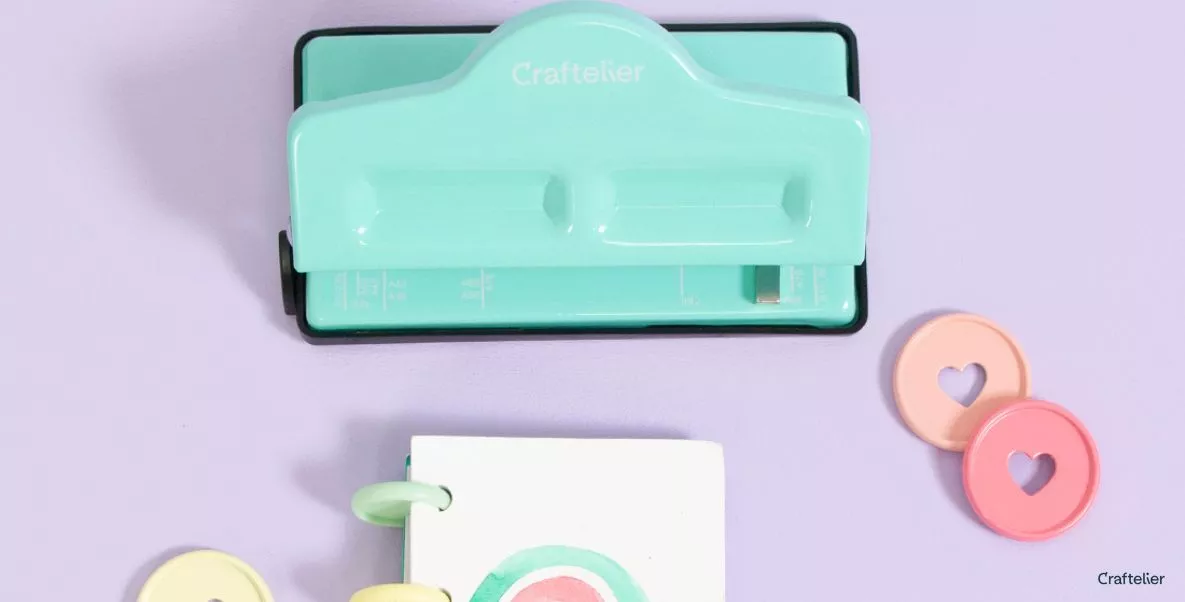
If you're a fan of disc ring planners, this punch is a must-have for your desk!
It's compact and lightweight, perfect to keep on your desk or handy in a drawer. With it, you can make your own planners from scratch, or add more pages to the ones you already have. It punches 4 holes at a time, but thanks to its continuous punching system you can punch holes in paper sizes A7 to A3.
In terms of thickness, the Mini Disc Planner Punch allows you to punch up to 3 sheets at a time, one or two sheets of card (depending on the weight), and even thin acetate.
Remember to open the black cover on the base of the punch from time to time to empty out all the paper waste from the punches.
Without a doubt, it is a great little tool to create and personalise your notebooks and planners, with which you can organise your day-to-day life, make lists, take notes... Sky is the limit!

How to use it?
This is a typical lever-operated punch, just like the traditional office punch. To punch, all you have to do is insert the paper and lower the lever. But where should you place the paper?
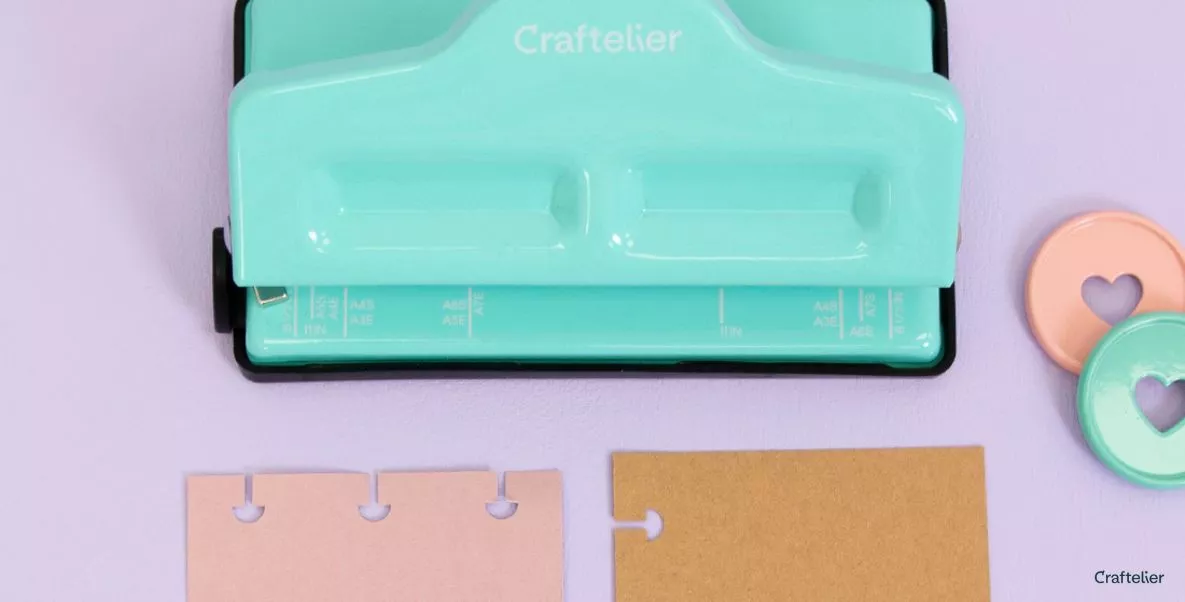
Depending on the size of the paper you want to punch and the number of holes you need, you will have to place it in a certain way. To do this, the hole punch has markings on its base that show you the exact place where to place the edge of the sheet.
You should bear in mind that you can make the perforations both on the long side of the paper (vertical format) and on the short side (horizontal format). This will allow you to further customise your projects and adapt them to your needs. If you want perforations on the long side of the paper (portrait format), use the markings with the letter S. For example, for the smallest format, A7, where you only need 4 perforations, look for the A7S marking on the right side of the base of the punch.
If you want to create a landscape format project, and punch on the short side of the paper, you should follow the markings with the letter E. For example, to make an A5 landscape format, look for the A5E marking.
In order not to move the paper from the mark when punching, a small magnet is included. Place it in line with the marking line, so that you can support the paper while punching.
For the lines on the right side of the punch, we will put the magnet on the right side of the line, and we will support the paper on the left side. And for the marks on the left, we will do it the other way round. We will place the magnet to the left of the line of the mark and support the paper on the right side.
Continuous punching
Now that you know how to make the first hole, how do you continue drilling if you need more than 4 holes?
On the left side of the drill you will see a black tab. If you pull it, a small ruler will slide out. Open it until you see the mark for the size you need. Rest the paper on the top of the ruler and punch again.
For some paper sizes (A4 and A3) you will need to make a third perforation. To do this, you will need to find the corresponding mark on the right side of the hole punch and put the magnet in the corresponding place.
If you want to see it in more detail, in this video you will see how to place the punch for each paper size, both vertically and horizontally. You'll see that it's super easy once you know where to find each mark.
You won't be able to live without it
If you like to make planners and notebooks in different sizes, and you want a small and functional tool, the Craftelier mini disc planner punch will be your best ally. Moreover, thanks to its elegant turquoise and black design, it will look perfect on your desk or on the shelf, but its size also allows you to store it in a drawer.
We are sure that once you try it, you will love it!
Products related to this post
Do you want to unleash your creativity?
Do you want to know which products we have mentioned in this post? Here they are: